
DeepSeek Harness
DeepSeek Harness Profiles and Bundles: Configuration Layers Explained
Trace how profiles, bundles, cordis.patch.yml files, and command overlays compose the plugin tree that dsh boots.
What you will learn
- Profiles persist a composition; bundles distribute patchable plugin rows.
- Later layers replace or insert rows in a fixed precedence order.
- Dump the actual tree before debugging a configuration issue.
Before you start
- Basic HTTP and API knowledge
Leave with a concrete implementation checklist and a testable starting point.
Key takeaways
- Profiles persist a composition; bundles distribute patchable plugin rows.
- Later layers replace or insert rows in a fixed precedence order.
- Dump the actual tree before debugging a configuration issue.
Profile versus bundle
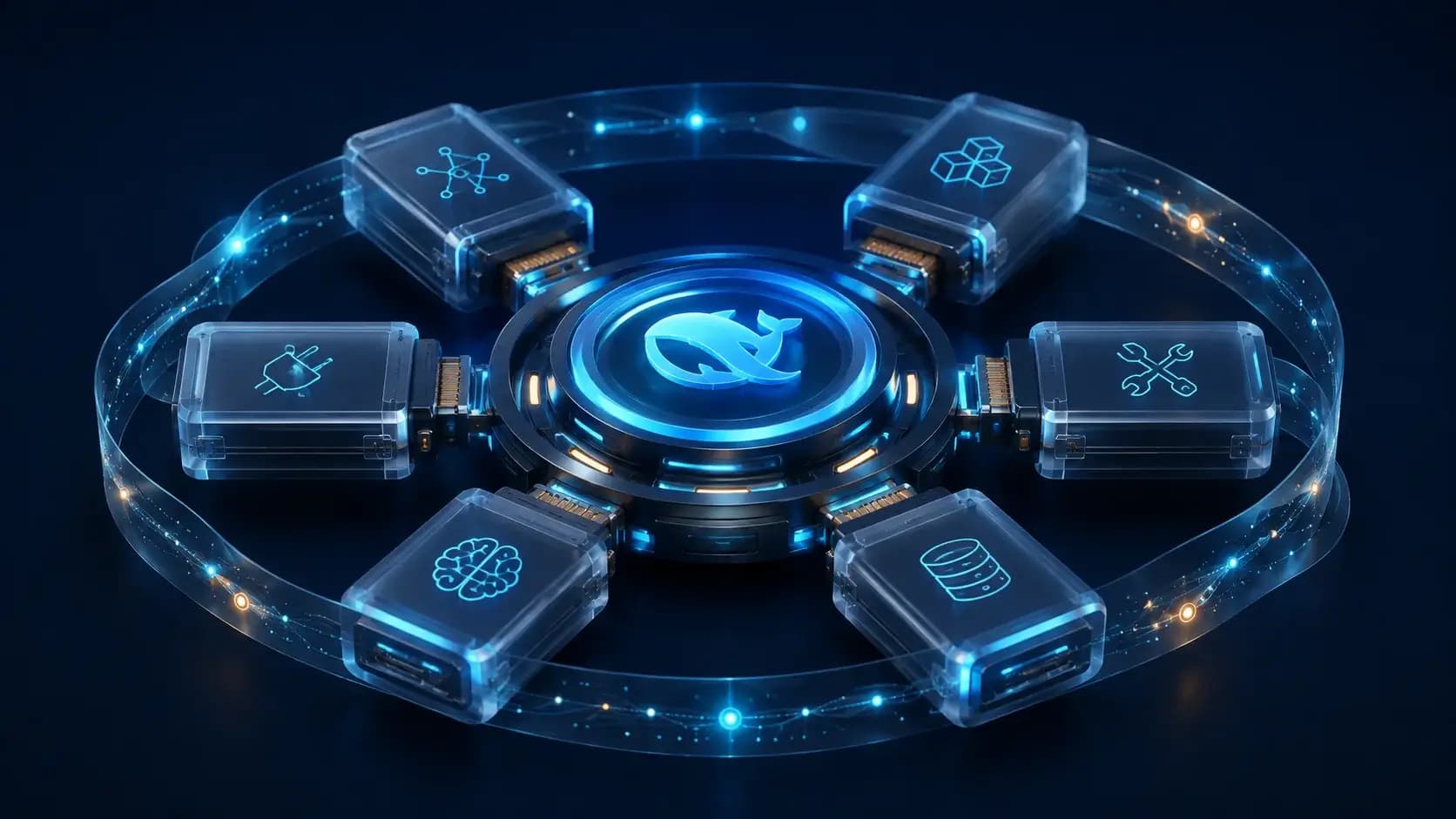
A profile is a named composition under the Harness home. It lists the bundles it stacks, records out-of-tree plugins, and keeps the user's cordis.patch.yml. A bundle is the installable distribution format for Cordis config rows and the code they mount.
The shipped web and headless profiles are templates. Other profiles must be created through the plugin path, so a profile name is not just a command alias; it is a persisted composition with its own dependency boundary.
Layer precedence
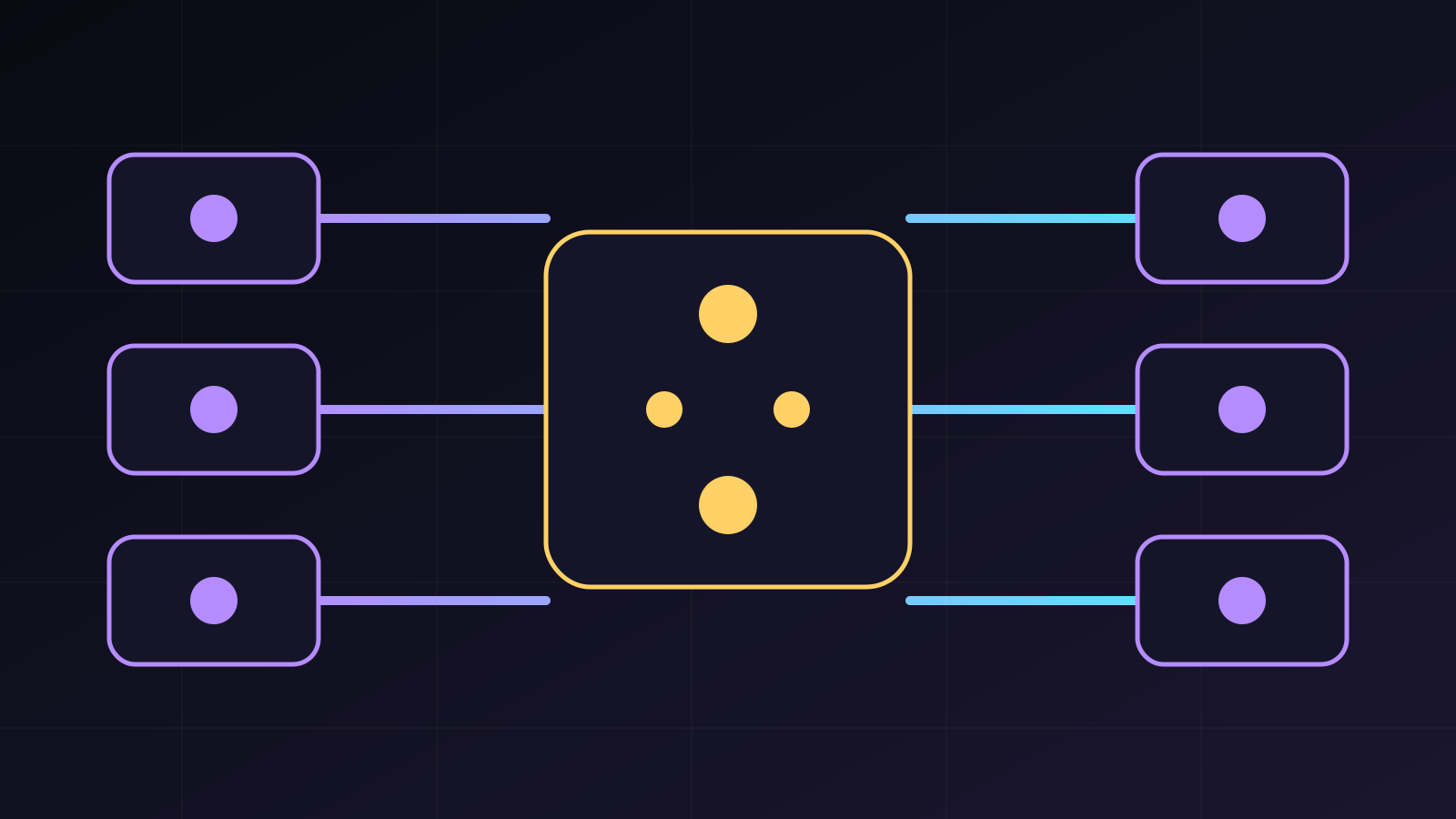
The architecture guide defines a deterministic order: bundle patches in profile order, the profile patch, the home-level patch, then a command-line overlay. Layers apply over an empty entry list and later layers can replace a row by id or insert a new row.
Because a matching patch replaces the whole config object, an override must restate fields it keeps. This is a common failure mode when a small patch accidentally drops a required dependency or provider setting.
Debug the actual tree
Run `dsh --profile web --dump-config` to see what your machine will boot. Compare the dump with the profile manifest and label each row by its source layer before changing a package.
Keep configuration changes reversible: use a small overlay for experiments, check the resulting tree, and remove the overlay after the behavior is understood. The dump is evidence; the package README is the contract.
Decision guide
| Criterion | Option A | Option B |
|---|---|---|
| Best when | You need predictable behavior and easy auditing | You need adaptive optimization and have reliable telemetry |
| Main risk | May leave performance on the table | Can become difficult to explain or debug |
Implementation steps
- 1
Locate the profile under `$DSH_HOME/profiles/<name>`.
- 2
Read its ordered bundle list and patch file.
- 3
Add home or CLI overlays only after understanding precedence.
- 4
Use `--dump-config` to verify the final entry tree.
Copy-ready example
# illustrative patch shape from the documented model
- insert:
    - id: my-plugin
      name: /absolute/path/to/plugin.ts
Frequently asked questions
Does a patch deep-merge configuration?
No. An id-targeted patch replaces the matched row's whole config, so unchanged fields must be repeated.
Sources
- DeepSeek Harness architectureSource checked 2026-08-27
- DeepSeek Harness CLI READMESource checked 2026-08-27