← Back to open source9 articles·≈ 27 minutes
Chrome DevTools MCP: live evidence, explicit scope and verifiable browser work
Nine chapters on browser tools, setup, persistent sessions, false-value forwarding, performance evidence and responsible automation.
Latest article
Trace persistent CLI sessions and distinguish selecting a page from isolating its browser state or restricting filesystem access.
Chrome DevTools MCP architecture: server, daemon session, page routing and profile stateChrome DevTools MCPchromedevtools/chrome-devtools-mcp
Start reading →By publication date
01 → 09
01·3 min read·Search intent: Learning
Trace persistent CLI sessions and distinguish selecting a page from isolating its browser state or restricting filesystem access.
Chrome DevTools MCP architecture: server, daemon session, page routing and profile stateChrome DevTools MCPchromedevtools/chrome-devtools-mcp
·3 min read·Search intent: Learning
Match integration style and debugging depth to the task without treating fewer tools as a complete permissions model.
Choose MCP, experimental CLI, slim mode or a repeatable browser test by the evidence neededChrome DevTools MCPchromedevtools/chrome-devtools-mcp
·3 min read·Search intent: Learning
Separate server setup from browser launch, choose explicit restrictions and do not assume the experimental CLI inherits MCP defaults.
Configure Chrome DevTools MCP deliberately: runtime, profile, filesystem and data optionsChrome DevTools MCPchromedevtools/chrome-devtools-mcp
·3 min read·Search intent: Learning
Use a synthetic page and fresh target identifiers to learn a bounded browser workflow without treating successful clicks as completed tasks.
A Chrome DevTools MCP first exercise: identify the page, observe, act and verifyChrome DevTools MCPchromedevtools/chrome-devtools-mcp
·3 min read·Search intent: Learning
Track targets, observations, hypotheses and verified outcomes in a read-only prototype, keeping sensitive evidence and automatic actions out of scope.
Build a browser-evidence ledger before automating a full debugging workflowChrome DevTools MCPchromedevtools/chrome-devtools-mcp
·3 min read·Search intent: Learning
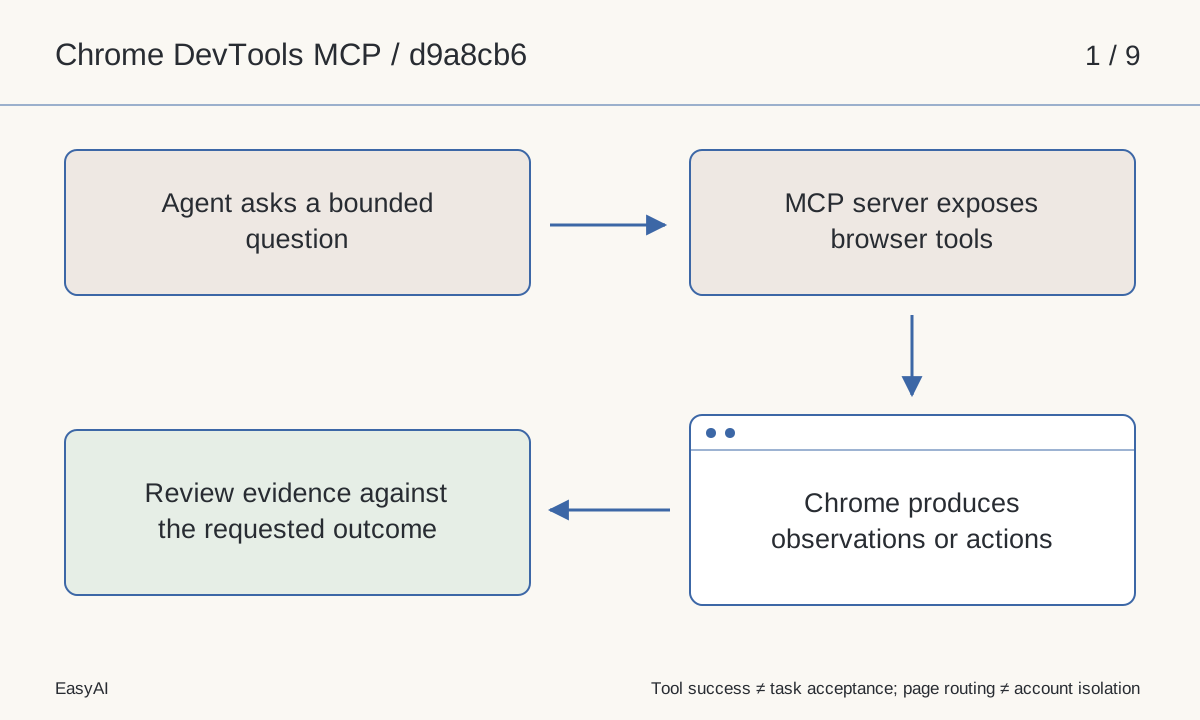
Understand the MCP server and experimental CLI, their live-browser capabilities and the limits of a successful tool response.
Chrome DevTools MCP explained: browser evidence and actions for coding agentsChrome DevTools MCPchromedevtools/chrome-devtools-mcp
·3 min read·Search intent: Learning
Design controlled browser trials and distinguish telemetry latency, trace evidence, CrUX data and screenshot transport costs.
Measure browser-agent performance without mixing lab traces, field data and image sizeChrome DevTools MCPchromedevtools/chrome-devtools-mcp
·3 min read·Search intent: Learning
Limit browser and filesystem exposure without treating temporary profiles, header redaction or page routing as complete security boundaries.
Chrome DevTools MCP security: profiles, remote debugging, roots and independent opt-outsChrome DevTools MCPchromedevtools/chrome-devtools-mcp
·3 min read·Search intent: Learning
Trace default-aware serialization and the start-path fix, including array identity and why an argv array is not a shell-escaped command.
Why explicit false once disappeared: read Chrome DevTools CLI argument forwardingChrome DevTools MCPchromedevtools/chrome-devtools-mcp