
IPATool
IPATool Architecture: CLI Commands, App Store APIs, Keychain, and IPA Artifacts
Trace IPATool's command-oriented architecture from auth and search through metadata, purchase, version resolution, download, and machine-readable output.

What you will learn
- Model IPATool commands as workflow states
- Trace app/version identity and authorization
- Design safe source-analysis fixtures
Before you start
- Basic Git and command-line usage
- Comfort reading a project README
You can explain the project, run its documented first step, and decide what to verify before adopting it.
Key takeaways
- IPATool commands form explicit auth, discovery, authorization, version, and download states.
- Bundle and external version IDs must remain stable across the workflow.
- Credentials and IPA artifacts have separate downstream signing and deployment boundaries.
Commands are explicit workflow boundaries
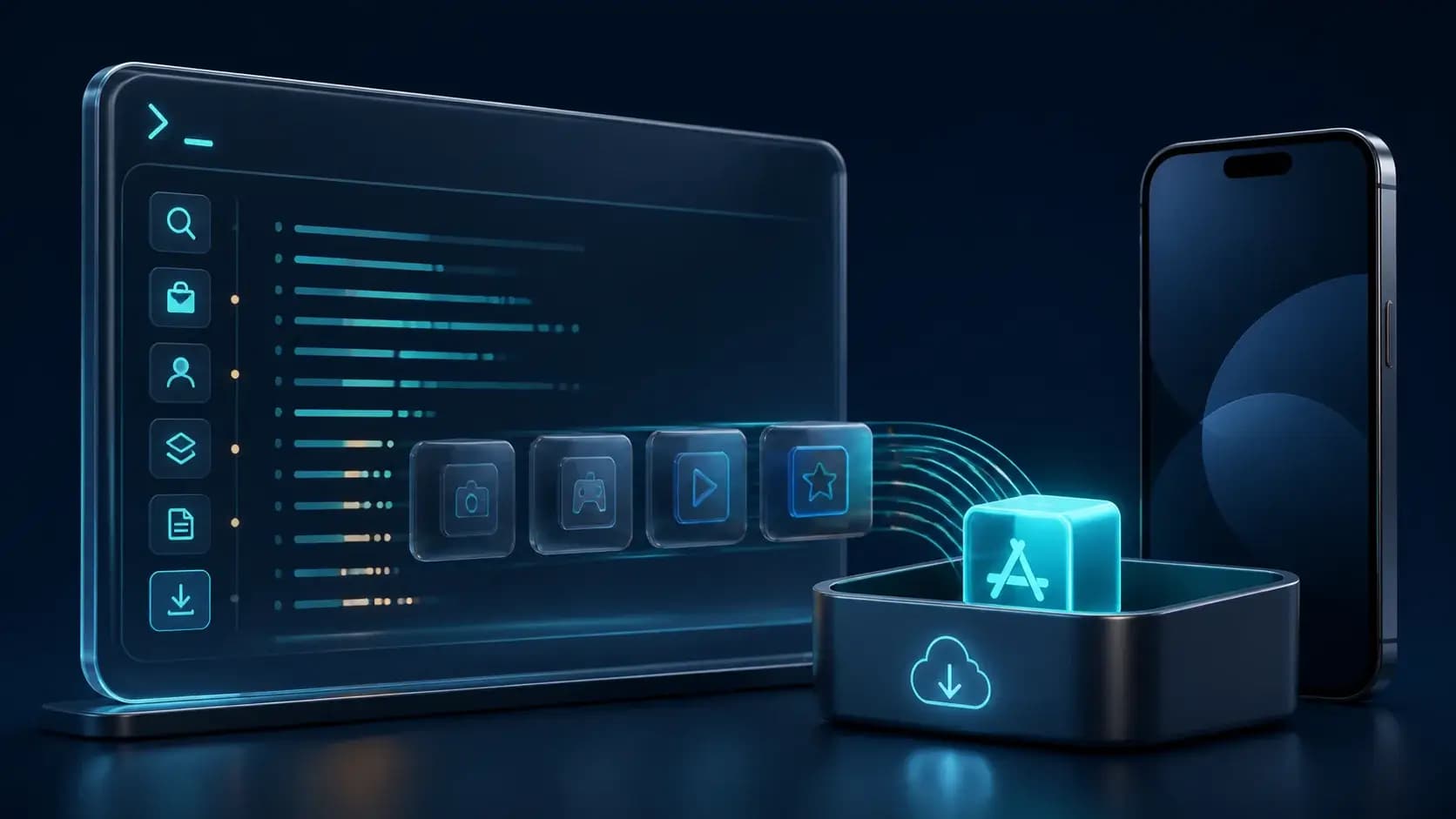
The README exposes separate commands for authentication, search, purchase, listing purchases, metadata, and download. Read that surface as a state machine: an account becomes authenticated, a search returns candidates, a bundle identifier and platform narrow the target, a license is obtained or verified, a version is resolved, and only then is an IPA downloaded.
The separation is valuable for automation because each command can emit text or JSON and can fail independently. It also prevents a search result from being mistaken for authorization or a downloaded package from being mistaken for a deployable app.
Trace identity and version resolution
Follow the data fields that identify an app: platform, bundle identifier, product or application ID, external version ID, and purchase state. Preserve the raw JSON response and the normalized record used by the next command. If a version changes between lookup and download, stop and require an explicit decision rather than silently retrieving a different build.
Pagination is another boundary. `list-purchases` exposes page and maximum-result controls; record those parameters and the account context so an audit can explain why an app appeared or did not appear in a listing.
Credentials, APIs, and artifacts
Authentication state belongs in the platform keychain or the CLI's documented credential store, not in source-controlled config. App Store requests should have bounded timeouts, redacted diagnostics, and a clear distinction between retryable transport errors and authorization failures.
The downloaded IPA is a binary artifact with its own checksum, encryption, license, and retention policy. Keep command metadata, raw responses, and artifact hashes together, but do not assume the CLI handles signing, provisioning, installation, or device management; those are downstream systems.
Source-analysis fixtures
A useful fixture runs search for a known public app, resolves one version, exercises JSON output, and stops before purchase or download unless authorization is explicit. Add tests for expired auth, empty results, pagination, changed external version IDs, rate limits, and interrupted downloads. Contributions should improve a boundary without expanding credential scope.
Decision guide
| Criterion | Option A | Option B |
|---|---|---|
| Best when | You need predictable behavior and easy auditing | You need adaptive optimization and have reliable telemetry |
| Main risk | May leave performance on the table | Can become difficult to explain or debug |
Implementation steps
- 1
Map command inputs/outputs and state transitions.
- 2
Trace platform, bundle, product, version, purchase, and pagination fields.
- 3
Separate keychain/API errors from artifact, signing, and installation concerns.
- 4
Build redacted fixtures for auth, empty results, pagination, drift, and retries.
Copy-ready example
auth -> search -> app identity -> license/purchase -> version ID
     -> metadata JSON -> download -> IPA checksum/encrypted artifact
Frequently asked questions
Does search prove I can download an app?
No. Search discovers metadata; license/authorization and version resolution are separate states before download.
Does IPATool install the IPA on devices?
The README focuses on search, metadata, authorization, and download; signing, provisioning, installation, and device policy remain downstream.
Sources
- IPATool README (captured 2026-08-31)Source checked 2026-08-31
- IPATool repositorySource checked 2026-08-31