
ECC
ECC explicado: un sistema operativo para agentes de código
Una guía basada en fuentes sobre skills, hooks, memoria, instalación guiada y seguridad en ECC.

Qué aprenderás
- Map ECC skills, agents, hooks, memory, and adapters
- Install one supported harness path without duplication
- Audit permissions and persisted context before team adoption
Antes de empezar
- Basic Git and command-line usage
- Comfort reading a project README
You can explain the project, run its documented first step, and decide what to verify before adopting it.
Conclusiones clave
- ECC packages planning, testing, review, memory, and security into a reusable agent harness.
- Installation paths and feature parity differ by coding client; do not stack methods blindly.
- Hooks, MCP settings, and persisted memory require the same review as application code.
The short answer
ECC (Everything Claude Code) convierte el ciclo planificar, probar, implementar, revisar y recordar en un harness reutilizable para agentes de código, con skills, agentes, hooks, memoria y AgentShield.
ECC does not replace the underlying model or editor. It supplies an opinionated operating layer that can be installed into Claude Code, Codex, Cursor, OpenCode, Gemini, Zed, and other clients with different levels of feature parity. The repository is MIT licensed, while hosted ECC Pro and its GitHub App are separate products.
Install one harness at a time
The recommended Claude Code path is `npx ecc-universal setup`; the README also documents `npx ecc-universal install --guided` for guided setup across Claude Code, Codex, and Kimi Code. Native Claude plugin installation is another supported path, but the project explicitly warns not to stack it with a full manual install. Pick one installation method per harness and record the package version.
Before enabling hooks or broad permissions, inspect the generated files and run ECC in a disposable repository. Check the support-status matrix for your client, keep secrets outside prompts and logs, and use the project's official repository, npm packages, GitHub App, or `ecc.tools` channels rather than third-party mirrors.
How the harness fits together
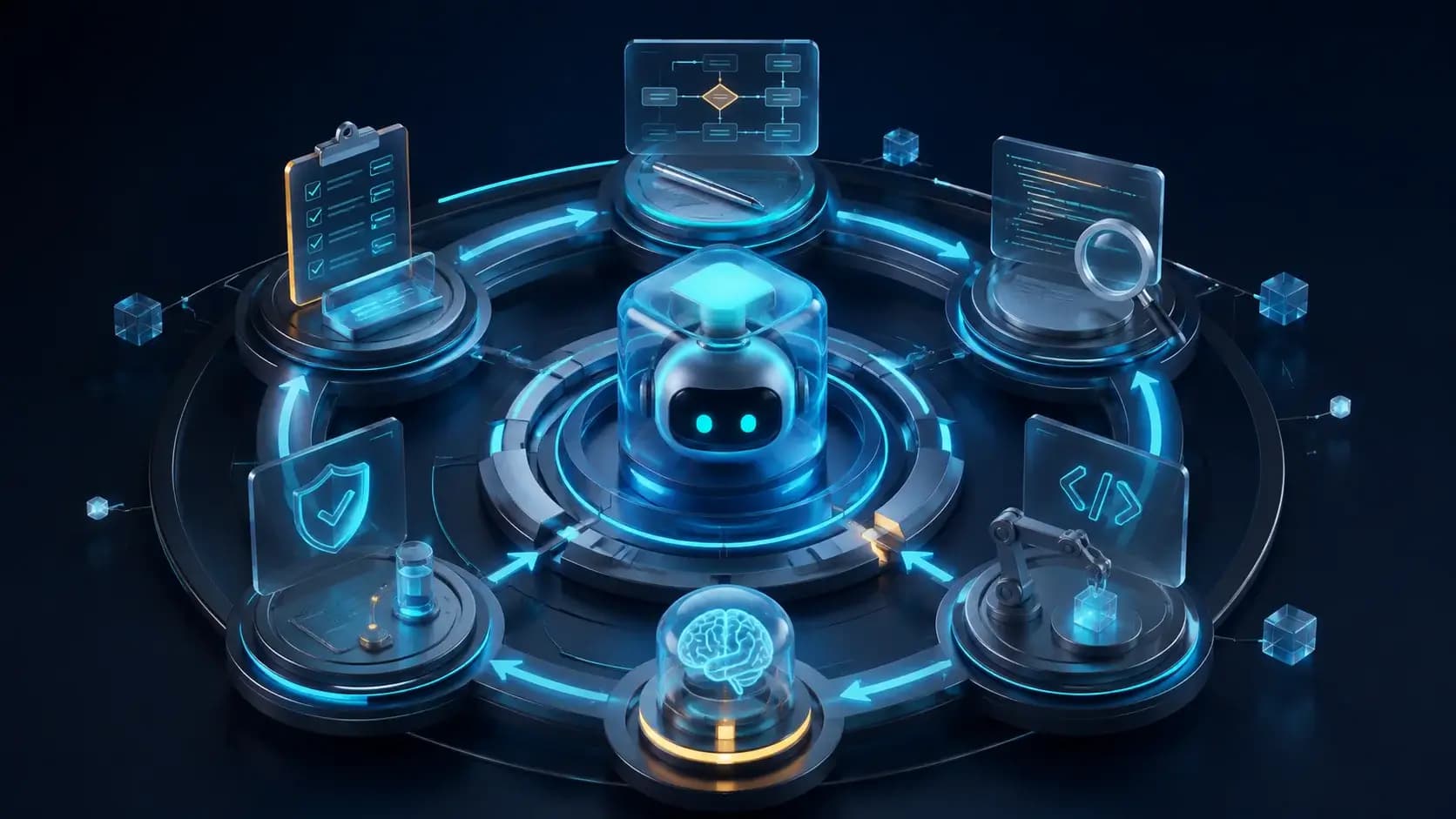
A useful mental model has four layers: reusable skills and specialist agents; commands and rules that shape planning and review; hooks and memory that enforce or persist behavior; and adapters that map the system into each client. AgentShield scans prompts, hooks, MCP configuration, permissions, secrets, and agent files, providing a security review surface before the harness becomes part of a team's default workflow.
The breadth is powerful but creates context and maintenance costs. Selective installation keeps the active context small, while persisted memory and instincts should be treated as data with ownership and retention rules. Review what gets written to project files, how hooks run on each command, and which capabilities differ between Claude, Codex, and Cursor adapters.
When ECC is a good fit
ECC fits teams that want a repeatable engineering loop around an AI coding agent: plan before edits, run tests, perform a fresh-context review, and retain lessons for the next task. It is also useful for educators and maintainers who want named workflows instead of a collection of private prompts.
It is less suitable when a repository needs a minimal, policy-neutral assistant or when the team cannot review automation hooks and generated memory. Pin the release, audit permissions, run AgentShield, and keep a human approval step for destructive commands, dependency changes, and security-sensitive work.
Cómo elegir
| Criterio | Opción A | Opción B |
|---|---|---|
| Best when | You need predictable behavior and easy auditing | You need adaptive optimization and have reliable telemetry |
| Main risk | May leave performance on the table | Can become difficult to explain or debug |
Pasos de implementación
- 1
Read the support matrix and official-source warning for your target harness.
- 2
Run `npx ecc-universal setup` in a disposable repository and inspect generated files.
- 3
Enable only the skills, hooks, and permissions your workflow needs.
- 4
Pin the release, run AgentShield, and review each automated or destructive action.
Ejemplo para copiar
# Guided setup for Claude Code
npx ecc-universal setup
# Or guided setup for supported harnesses
npx ecc-universal install --guided
# Verify the package release before updating
npm view ecc-universal version
Preguntas frecuentes
Does ECC work only with Claude Code?
The README says Claude Code is the primary experience, with supported Codex sync and capability-limited adapters for several other harnesses. Check the support matrix for parity.
Should I install every skill?
Usually not. Start with a selective subset so context, permissions, and maintenance remain understandable.
Fuentes
- ECC README (captured 2026-08-31)Fuente verificada 2026-08-31
- ECC repositoryFuente verificada 2026-08-31