
Skill de patentes de China
Patent Disclosure Skill explicado: materiales técnicos a borradores trazables
Introducción a puntos patentables, búsquedas, figuras y revisiones.

Qué aprenderás
- Distinguish discovery, research, and drafting stages
- Produce a traceable disclosure draft
- Identify confidentiality and evidence boundaries
Antes de empezar
- Basic Git and command-line usage
- Comfort reading a project README
You can explain the project, run its documented first step, and decide what to verify before adopting it.
Conclusiones clave
- A staged workflow makes disclosure and reading traceable.
- Public clues cannot replace claims or specification evidence.
- Redaction and professional review are delivery prerequisites.
The short answer
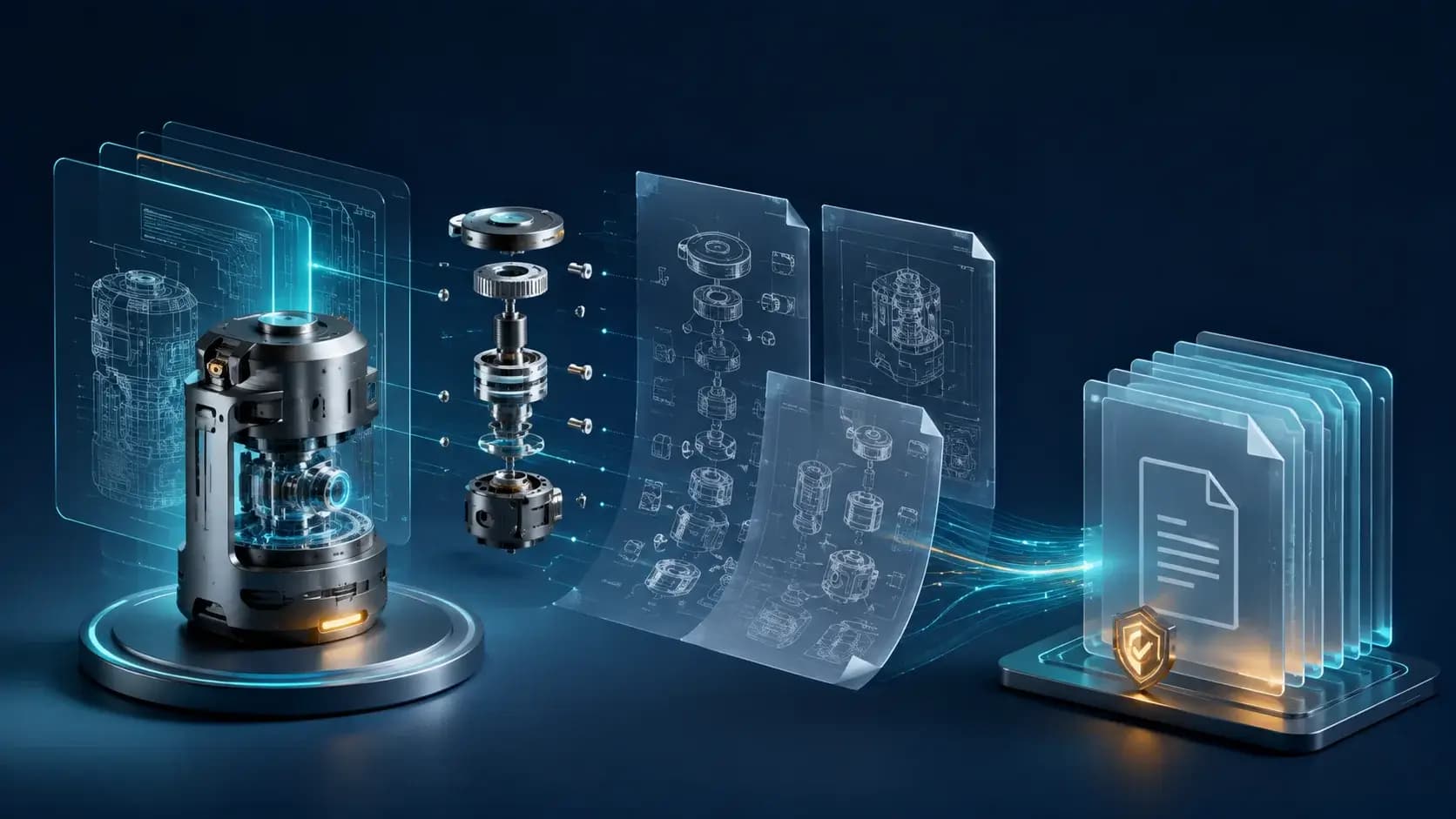
China Patent Skill organiza escaneo, puntos de patente, búsqueda previa, redacción y revisiones; las pistas públicas no sustituyen la evidencia legal ni la revisión profesional.
The workflow can also turn public patents or PDFs into plain-language notes, terminology relationships, and an Obsidian graph. Public clues add context, but they cannot replace claims, specification evidence, or a professional novelty opinion.
Start with a small case
Prepare Python 3.9+, a redacted project directory, and an explicit patent type. Scan documents and code before discussing candidate ideas. For utility and design cases, confirm the component and view plan early instead of guessing figures during drafting.
Name deliverables with a case identifier and timestamp, then save each revision separately. This lets engineers and patent professionals trace every technical feature back to the material and discussion that produced it.
Boundaries and governance
The README separates material scanning, templates, prior-art research, figures, self-checks, and knowledge-base ingestion. Public CNIPA notices are the preferred research starting point, while STEP/CAD files are not parsed by default. Redact potential trade secrets and audit network access before running the workflow; examination responses remain drafts until reviewed by a qualified professional.
When it fits
Use it to organize engineering contributions, build a private patent knowledge base, and lower the barrier to reading public patents. Do not treat it as a novelty conclusion or as an autonomous filing system that removes the need for an inventor and patent professional.
Cómo elegir
| Criterio | Opción A | Opción B |
|---|---|---|
| Best when | You need predictable behavior and easy auditing | You need adaptive optimization and have reliable telemetry |
| Main risk | May leave performance on the table | Can become difficult to explain or debug |
Pasos de implementación
- 1
Prepare redacted material and choose the patent type.
- 2
Scan the project and confirm the figure plan.
- 3
Generate a draft while retaining sources and revisions.
- 4
Hand the package to a patent professional for review.
Ejemplo para copiar
Python 3.9+
/patent-disclosure-skill
# input: patent type + redacted project path + delivery format
Preguntas frecuentes
Can it file a patent automatically?
No. It creates a draft and supporting material for professional review.
Will unpublished code be uploaded?
Redact the case first and audit the host's network behavior and scripts.
Fuentes
- Patent Disclosure Skill README (captured 2026-08-31)Fuente verificada 2026-08-31
- patent-disclosure-skill repositoryFuente verificada 2026-08-31