
MiniMind
Arquitectura de MiniMind: tokenizer, Transformer, etapas de entrenamiento y servicio
Traza el modelo PyTorch, los datos JSONL, Pretrain/SFT/RL, evaluación, checkpoints, API y WebUI.
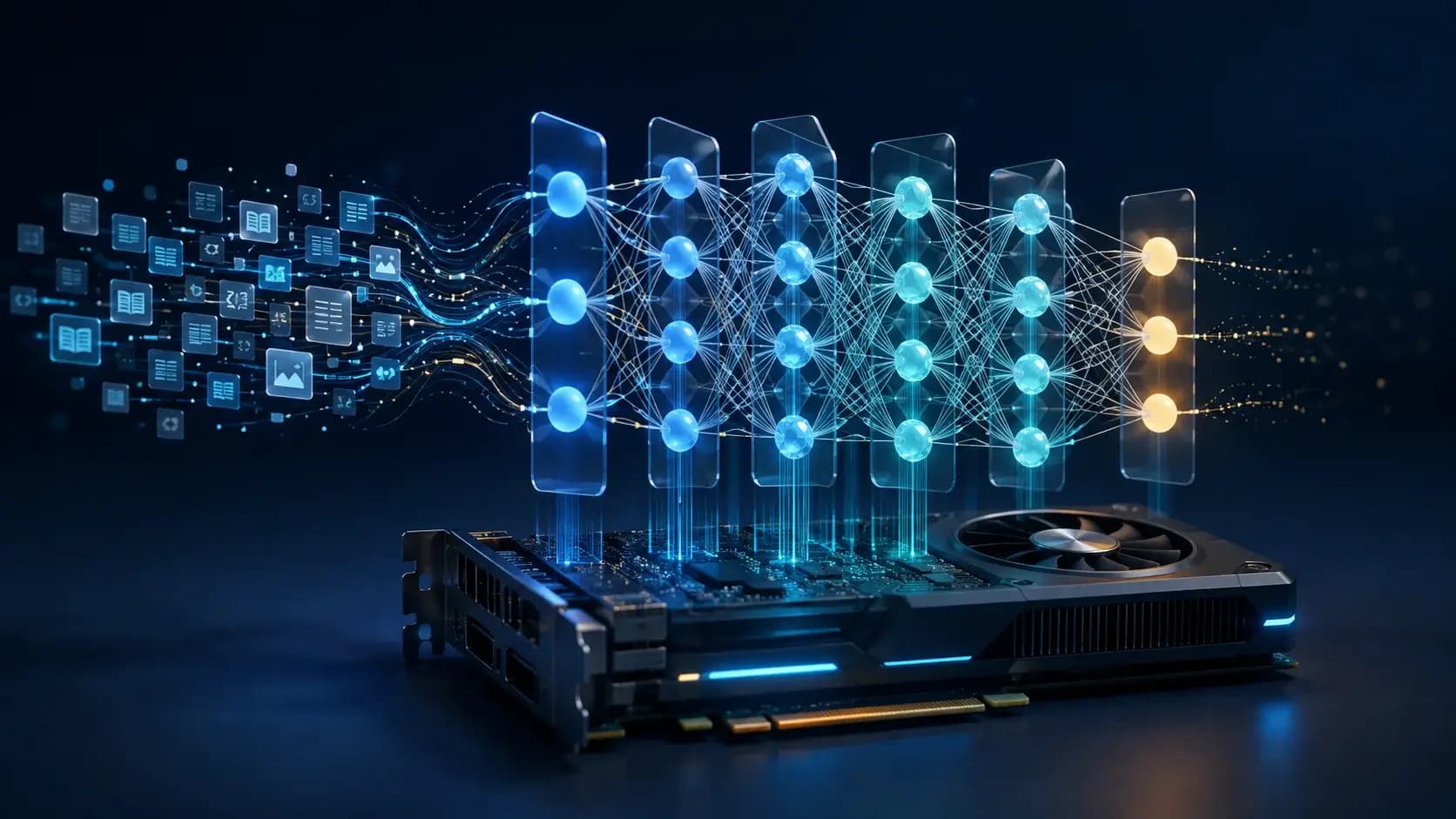

Qué aprenderás
- Map MiniMind's six architecture layers
- Trace token and checkpoint contracts
- Design stage-specific review fixtures
Antes de empezar
- Basic Git and command-line usage
- Comfort reading a project README
You can explain the project, run its documented first step, and decide what to verify before adopting it.
Conclusiones clave
- Tokenizer, model, data, training, evaluation, and serving are separate contracts.
- Native PyTorch transparency is useful only when fixtures tie symbols to tensors and checkpoints.
- Stage-specific data, templates, routing, and decoding must be fixed before comparisons.
Six layers to keep distinct
MiniMind se entiende como capas de tokenizer/plantillas, modelo Dense/MoE, datos JSONL, Pretrain/SFT/LoRA/RL/Agentic RL, evaluación, checkpoints y API/WebUI. Cada frontera tiene un contrato distinto; fija configuración, datos y hardware antes de comparar etapas.
Each layer has a different contract. A tokenizer change alters sequence statistics, a dataset change alters supervision, a LoRA run changes parameter ownership, and a serving wrapper changes the integration surface. Do not attribute a result to the model architecture until those variables are fixed.
Follow one token through the model
Start with a text sample and trace normalization, special markers such as `<think>` or tool-call templates, token IDs, embeddings, attention/MLP blocks, logits, and loss. For MoE variants, record routing configuration and effective active parameters rather than treating the checkpoint as a generic Dense model.
The training loop adds batching, masking, mixed precision, optimizer updates, logging, and checkpoint cadence. Capture where each field is created and consumed; this is more reliable than inferring internals from a high-level framework command.
Separate learning and serving graphs
Pretraining, SFT, DPO, PPO/GRPO/CISPO, tool use, agentic RL, and distillation reuse pieces but ask different data and evaluation questions. Checkpoint names and directories should make the stage explicit, and evaluation must load the matching tokenizer and prompt template.
Serving wraps a checkpoint with generation settings and an API or Streamlit UI. Keep the model directory read-only, isolate tool calls, and record `reasoning_content`, `tool_calls`, or `open_thinking` fields as optional protocol features rather than assumptions about model cognition.
Architecture review fixtures
Use a tiny JSONL fixture to test tokenizer coverage, a one-batch forward/loss pass, save/resume, one evaluation prompt, and one API request. Add a MoE or tool-call fixture only after the dense path is understood. Contributions should include expected tensor shapes, checkpoint fields, and a reproducible command.
Cómo elegir
| Criterio | Opción A | Opción B |
|---|---|---|
| Best when | You need predictable behavior and easy auditing | You need adaptive optimization and have reliable telemetry |
| Main risk | May leave performance on the table | Can become difficult to explain or debug |
Pasos de implementación
- 1
Map tokenizer/templates, model blocks, data, trainers, checkpoints, and serving.
- 2
Trace one token through IDs, embeddings, blocks, logits, and loss.
- 3
Compare stage-specific checkpoints with matching data and templates.
- 4
Add tiny forward, save/resume, evaluation, API, MoE, and tool fixtures.
Ejemplo para copiar
text -> tokenizer/template -> token IDs -> Transformer/Dense/MoE
     -> logits/loss -> optimizer/checkpoint -> evaluation
     -> generation settings -> API/WebUI
Preguntas frecuentes
Does an OpenAI-compatible endpoint expose the whole architecture?
No. It exposes a serving protocol; tokenizer, model blocks, training stage, and checkpoint remain separate implementation boundaries.
Can Dense and MoE checkpoints be compared by parameter count alone?
No. Record routing, active parameters, data, templates, hardware, and evaluation settings.
Fuentes
- MiniMind README (captured 2026-08-31)Fuente verificada 2026-08-31
- MiniMind repositoryFuente verificada 2026-08-31