
IPATool
IPATool explicado: buscar y descargar paquetes de la App Store
Una introducción práctica a la autenticación, búsqueda, metadatos, descarga y límites de autorización de IPATool.

Qué aprenderás
- Trace IPATool’s authentication-to-download command flow
- Build and test the Go CLI
- Design an authorized, secret-safe automation job
Antes de empezar
- Basic Git and command-line usage
- Comfort reading a project README
You can explain the project, run its documented first step, and decide what to verify before adopting it.
Conclusiones clave
- IPATool is a cross-platform Go CLI for authorized App Store package workflows.
- Search, version lookup, and download are separate auditable commands.
- Encrypted packages and Apple licensing remain outside the tool’s control.
The short answer
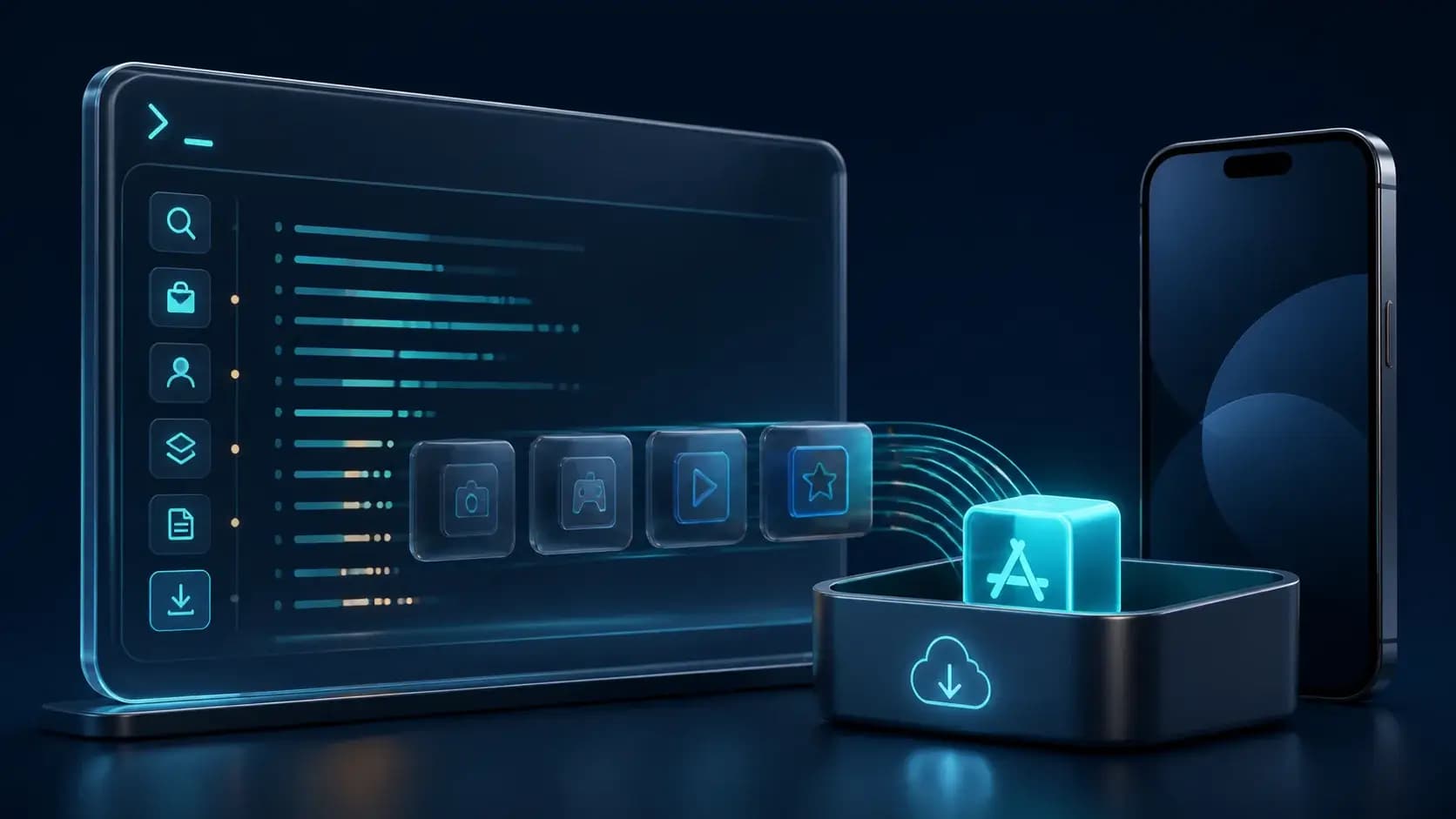
IPATool es una herramienta CLI escrita en Go para buscar aplicaciones de iOS, iPadOS, tvOS y visionOS en la App Store y descargar su paquete IPA. El README separa autenticación, búsqueda, versiones, metadatos y descarga.
The project is useful for repeatable release and device-testing workflows, but a download is not the same thing as permission to use or redistribute an app. The README requires an Apple ID and exposes a `--purchase` flag for cases where a license is needed. Keep account credentials private and use the tool only for apps and accounts you are authorized to access.
The command model
Authentication is explicit: `ipatool auth login` establishes App Store credentials, while `auth info` and `auth revoke` inspect or remove them. Search accepts a term, a platform such as `iphone`, `ipad`, `appletv`, or `visionos`, and a result limit. Global flags include `--format json`, `--non-interactive`, and `--verbose`, which make scripts easier to audit.
A typical version-aware flow is search, identify an app ID or bundle identifier, call `list-versions`, resolve a specific external version with `get-version-metadata`, and then call `download` with an output path. The README emphasizes that downloaded packages are encrypted; plan testing and device installation around Apple’s normal signing and authorization rules rather than assuming the file is immediately runnable everywhere.
Install or compile
The README lists Windows, Linux, and macOS as supported operating systems and offers GitHub Releases for installation, Homebrew on macOS, or a source build with `go build -o ipatool`. Unit tests use `go generate ./...` followed by `go test -v ./...`; recording the Go version and commit makes a build reproducible.
Automation should use `--non-interactive` and an explicit output path, but never put an Apple ID password or keychain passphrase in shell history or CI logs. Store secrets in the operating system keychain or a dedicated secret manager, limit artifact retention, and log only app identifiers, versions, and exit status.
When IPATool is a good fit
Use IPATool when you need a scriptable, cross-platform way to search the App Store, inspect versions, or retrieve an authorized package for testing and archival. Its JSON output and small command surface make it easy to wrap in a controlled build or QA job.
Do not use it to bypass licensing, redistribute proprietary packages, or scrape accounts you do not control. The engineering value is the explicit sequence from identity to app metadata to download; keeping those steps auditable is more important than making the command as short as possible.
Cómo elegir
| Criterio | Opción A | Opción B |
|---|---|---|
| Best when | You need predictable behavior and easy auditing | You need adaptive optimization and have reliable telemetry |
| Main risk | May leave performance on the table | Can become difficult to explain or debug |
Pasos de implementación
- 1
Install a release, Homebrew package, or compile with `go build -o ipatool`.
- 2
Authenticate with `ipatool auth login` using an authorized Apple ID.
- 3
Search, list versions, and resolve metadata before downloading.
- 4
Use non-interactive JSON output in automation and protect credentials and artifacts.
Ejemplo para copiar
ipatool auth login
ipatool search example --platform iphone --format json
ipatool list-versions --app-id <APP_ID> --format json
ipatool download --app-id <APP_ID> --output ./artifacts/app.ipa --non-interactive
Preguntas frecuentes
Does IPATool decrypt or sign every downloaded IPA?
The README describes downloaded packages as encrypted and does not promise universal decryption or signing. Follow Apple’s normal authorization and device-testing rules.
Can I run IPATool in CI?
Yes, use non-interactive mode, JSON output, protected credentials, explicit artifact retention, and an account that is authorized for the requested apps.
Fuentes
- IPATool README (captured 2026-08-31)Fuente verificada 2026-08-31
- IPATool repositoryFuente verificada 2026-08-31