
ODS
Arquitectura de ODS: fases del instalador, Compose y límites de capacidades
Traza detección de hardware, selección de modelo, servicios, dashboard, extensiones e inferencia local/cloud.

Qué aprenderás
- Map ODS installer, selector, compose, and extension boundaries
- Explain local/cloud and bootstrap state transitions
- Design a traceable architecture review
Antes de empezar
- Basic Git and command-line usage
- Comfort reading a project README
You can explain the project, run its documented first step, and decide what to verify before adopting it.
Conclusiones clave
- ODS composes installer, model selection, services, dashboard, and extensions into one appliance.
- Hardware tier and backend selection are explicit configuration boundaries.
- Local/cloud mode, bootstrap hot-swap, and rollback must be tested as state transitions.
Read ODS as a layered appliance
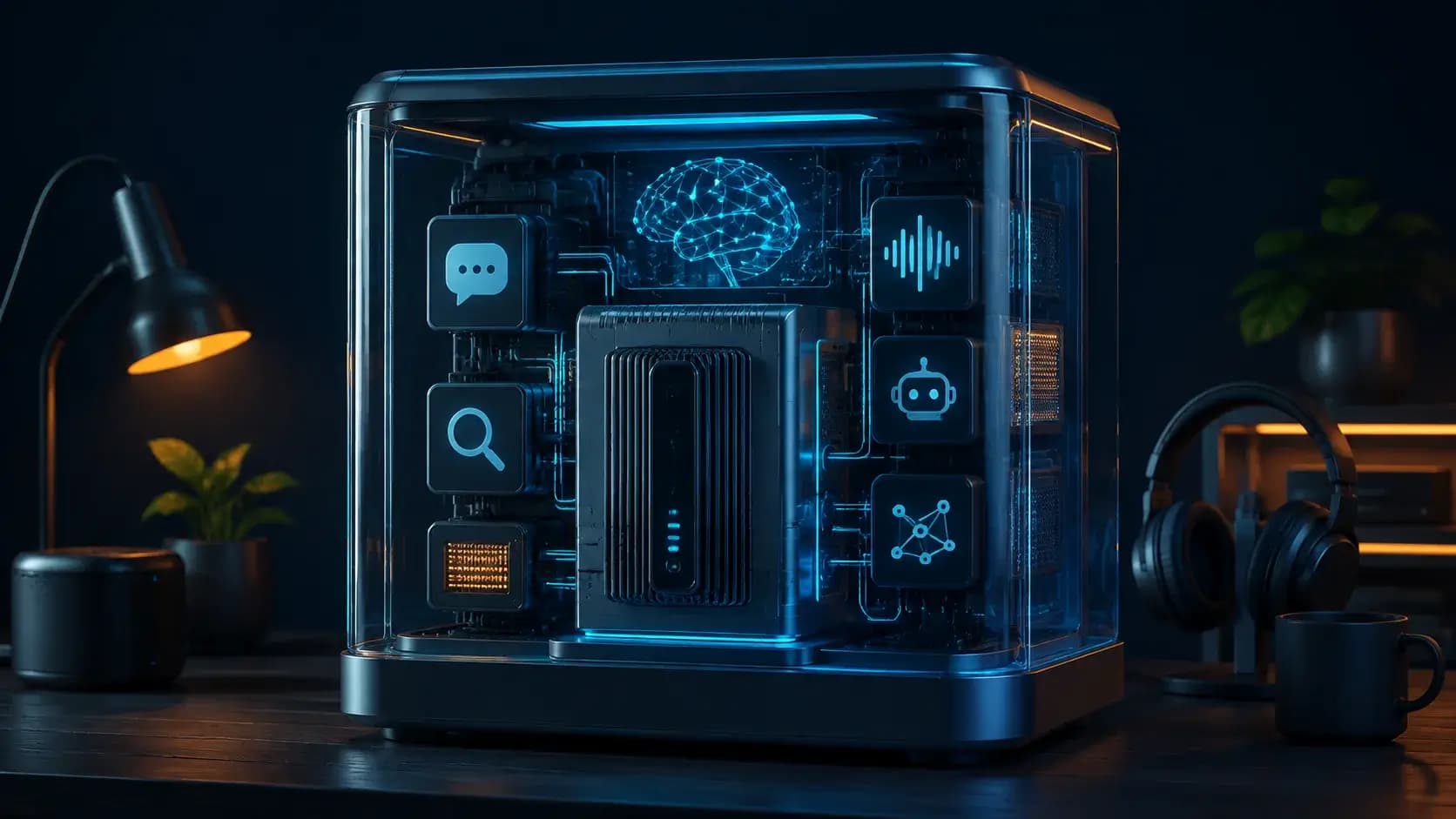
ODS se puede leer como capas de bootstrap, modelo/inferencia, control y extensiones. El tier de hardware determina el modelo y `.env`; Compose conecta llama-server, Open WebUI, LiteLLM, RAG, voz, agentes e imágenes. Modo local, híbrido, cloud y bootstrap deben probarse como transiciones observables.
This model is a reading aid grounded in the documented boundaries, not a substitute for inspecting a pinned checkout. The stable v2.6.0 channel and fast-moving `main` can differ, so record the commit and the validation receipt alongside every diagram or operational claim.
Hardware detection becomes configuration
ODS assigns a deterministic hardware tier, then selects a model from `ods/config/model-library.json` through platform-specific selectors. The resulting `.env` records `LLM_MODEL`, `GGUF_FILE`, `MAX_CONTEXT`, and recommendation fields. Linux, Windows, macOS, Intel Arc, and AMD unified-memory paths share the intent but not identical acceleration or endpoint contracts.
That boundary is important for debugging: a wrong model choice can look like an inference failure, while a correct model with the wrong backend can look like a catalog problem. Keep detector output, selector input, effective `.env`, and the chosen GGUF together as one install receipt.
Compose, dashboard, and extensions
The service registry and compose fragments wire Open WebUI, llama-server, LiteLLM, embeddings, Qdrant, voice, agents, n8n, ComfyUI, privacy, and observability into one stack. The dashboard and `ods` CLI expose health, logs, model swaps, modes, presets, and extension lifecycle. Each extension contributes a `manifest.yaml` and `compose.yaml`, which keeps discovery consistent but expands the trust surface.
An extension should therefore declare its port, health endpoint, GPU backend, credentials, and data paths explicitly. A compose file being syntactically valid does not prove a service is reachable, isolated, or safe to expose; validate health from both host and container networks and keep the dashboard on a trusted network.
Local, hybrid, and recovery paths
Local mode keeps prompts on the machine by default; cloud and hybrid modes route through LiteLLM and change privacy, latency, quotas, and cost. Model swap and bootstrap mode introduce another state boundary: a small model can serve immediately while a full model downloads, then ODS hot-swaps and can roll back when loading fails.
For an architecture review, capture a trace containing tier, model, service, port, mode, request ID, health event, and rollback decision. Test a model failure, port conflict, extension disable, Docker restart, and restore from a preset. The goal is to prove named transitions, not merely that the dashboard loaded once.
Cómo elegir
| Criterio | Opción A | Opción B |
|---|---|---|
| Best when | You need predictable behavior and easy auditing | You need adaptive optimization and have reliable telemetry |
| Main risk | May leave performance on the table | Can become difficult to explain or debug |
Pasos de implementación
- 1
Pin v2.6.0 or an audited commit and map the `ods/` runtime directories.
- 2
Record hardware detector output, selector inputs, model metadata, and effective ports.
- 3
Trace one request through inference, UI/API, health events, and an extension.
- 4
Exercise mode switch, restart, model failure, and rollback with a saved receipt.
Ejemplo para copiar
hardware tier -> model selector -> .env/compose
  -> llama-server/LiteLLM -> Open WebUI/dashboard
  -> extensions (voice, agents, RAG, workflows, images)
Preguntas frecuentes
Is ODS one monolithic server process?
No. The README describes an installer and a composed stack of inference, UI, control, and optional services.
Does a model tier guarantee throughput?
No. The selector chooses an installable model for a hardware envelope; throughput still requires a local benchmark.
Fuentes
- ODS README (captured 2026-08-31)Fuente verificada 2026-08-31
- ODS repositoryFuente verificada 2026-08-31