
pdf-inspector
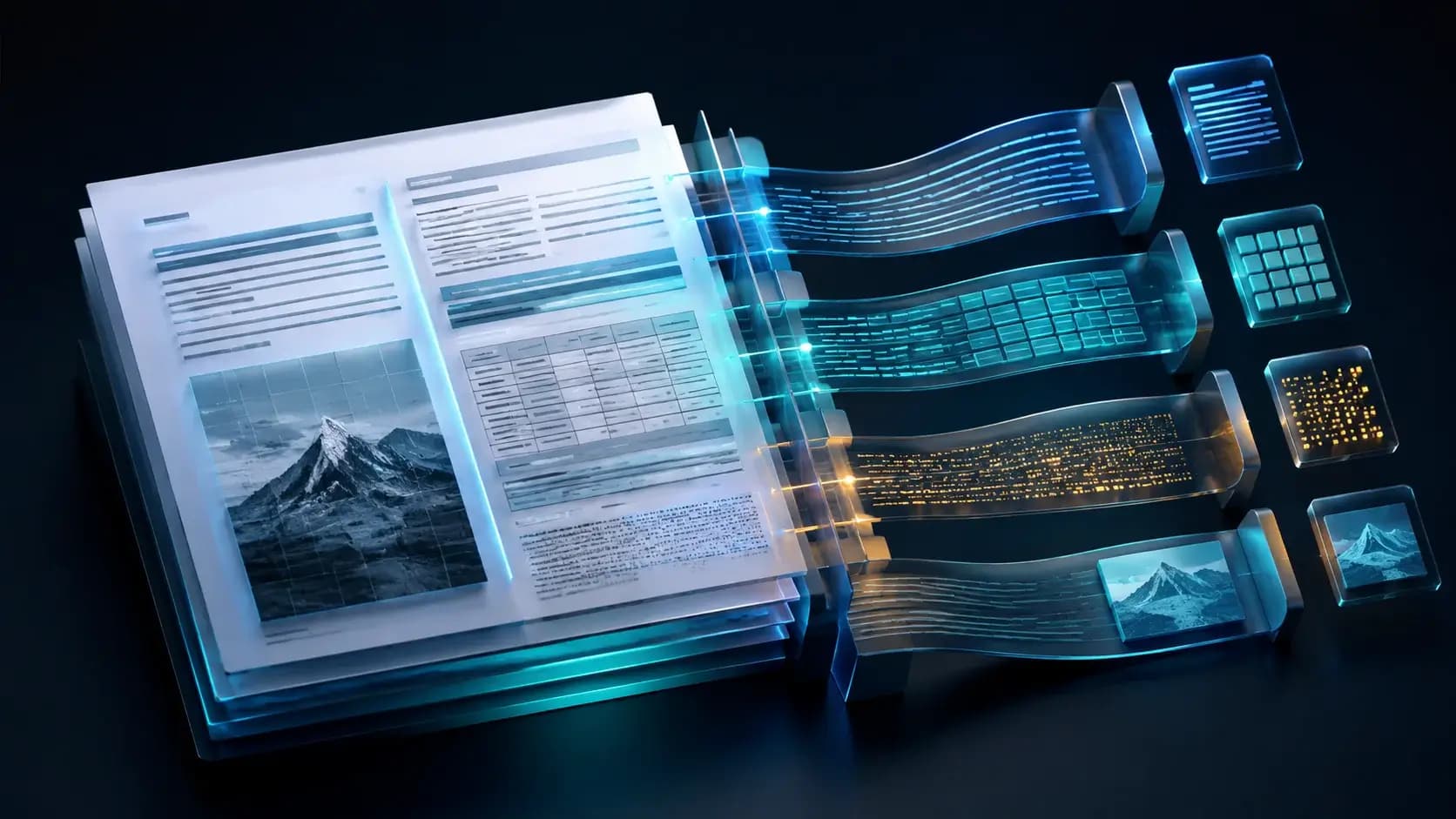
pdf-inspector Features and Quickstart: Classify, Extract, Then Route OCR
Run detection, Markdown extraction, table handling, and selective OCR through Python, Node, Rust, or CLI.

What you will learn
- Trace detection and layout stages
- Run native extraction and OCR safely
- Design provenance checks
Before you start
- Basic Git and command-line usage
- Comfort reading a project README
You can explain the project, run its documented first step, and decide what to verify before adopting it.
Key takeaways
- Detection precedes extraction.
- Native parsing is the cheap default.
- OCR routing should remain page-specific.
Start with detection
Install one binding and run `detect-pdf` or `process_pdf` on a representative corpus. Capture PdfType, confidence, pages needing OCR, warnings, and file hash before extraction.
Use the pinned source evidence, record versions and assumptions, and ask a qualified reviewer to validate the result before adopting it.
Extract locally
Use position-aware text and Markdown conversion for text PDFs. Enable `--analyze`, `--items-json`, `--pages`, or `--select-pages` only when the downstream consumer needs those fields.
Route only what needs OCR
Call the OCR path for scanned or broken-encoding pages and retain per-page provenance. Do not send every document to an external OCR service by default.
Use the pinned source evidence, record versions and assumptions, and ask a qualified reviewer to validate the result before adopting it.
Decision guide
| Criterion | Option A | Option B |
|---|---|---|
| Best when | You need predictable behavior and easy auditing | You need adaptive optimization and have reliable telemetry |
| Main risk | May leave performance on the table | Can become difficult to explain or debug |
Implementation steps
- 1
Install a matching binding or CLI.
- 2
Detect type and confidence.
- 3
Extract Markdown/JSON and inspect warnings.
- 4
Enable OCR only for routed pages.
Copy-ready example
pip install pdf-inspector
python - <<'PY'
import pdf_inspector
r = pdf_inspector.process_pdf('document.pdf')
print(r.pdf_type, r.markdown)
PY
detect-pdf document.pdf --analyze --json
Frequently asked questions
Does every PDF need OCR?
No. Text-based pages can use native extraction; OCR is selective.
Can I parse only some pages?
Yes, the CLI documents `--select-pages` and related options.
Sources
- pdf-inspector README (captured 2026-08-31)Source checked 2026-08-31
- pdf-inspector repositorySource checked 2026-08-31