
pdf-inspector
pdf-inspector Explained: Fast PDF Classification and Structured Markdown
A source-backed overview of Rust parsing, layout extraction, selective OCR, bindings, and benchmarks.

What you will learn
- Trace detection and layout stages
- Run native extraction and OCR safely
- Design provenance checks
Before you start
- Basic Git and command-line usage
- Comfort reading a project README
You can explain the project, run its documented first step, and decide what to verify before adopting it.
Key takeaways
- Native extraction and selective OCR are separate paths.
- Single-load parsing keeps layout and provenance coherent.
- Benchmarks require the same corpus and evaluator.
The short answer
pdf-inspector is a Rust library and CLI for classifying PDFs, extracting positioned text, and converting documents to Markdown. It detects text-based, scanned, image-based, and mixed PDFs, handles columns and tables, decodes fonts, and routes only selected pages to OCR. Python, Node, and browser WebAssembly bindings are documented.
The README reports a 0.875 overall score and 0.470-second median corpus run for a specific 200-PDF benchmark. Treat those numbers as reproducibility targets, not a universal SLA.
Use the smallest interface
Install the Python package, Node package, Rust crate, or CLI. Start with `detect-pdf` and native `pdf2md` on a representative text PDF, then enable OCR only for pages that need it. Record package version, PDF hash, selected pages, OCR flag, and warnings.
Architecture and cost
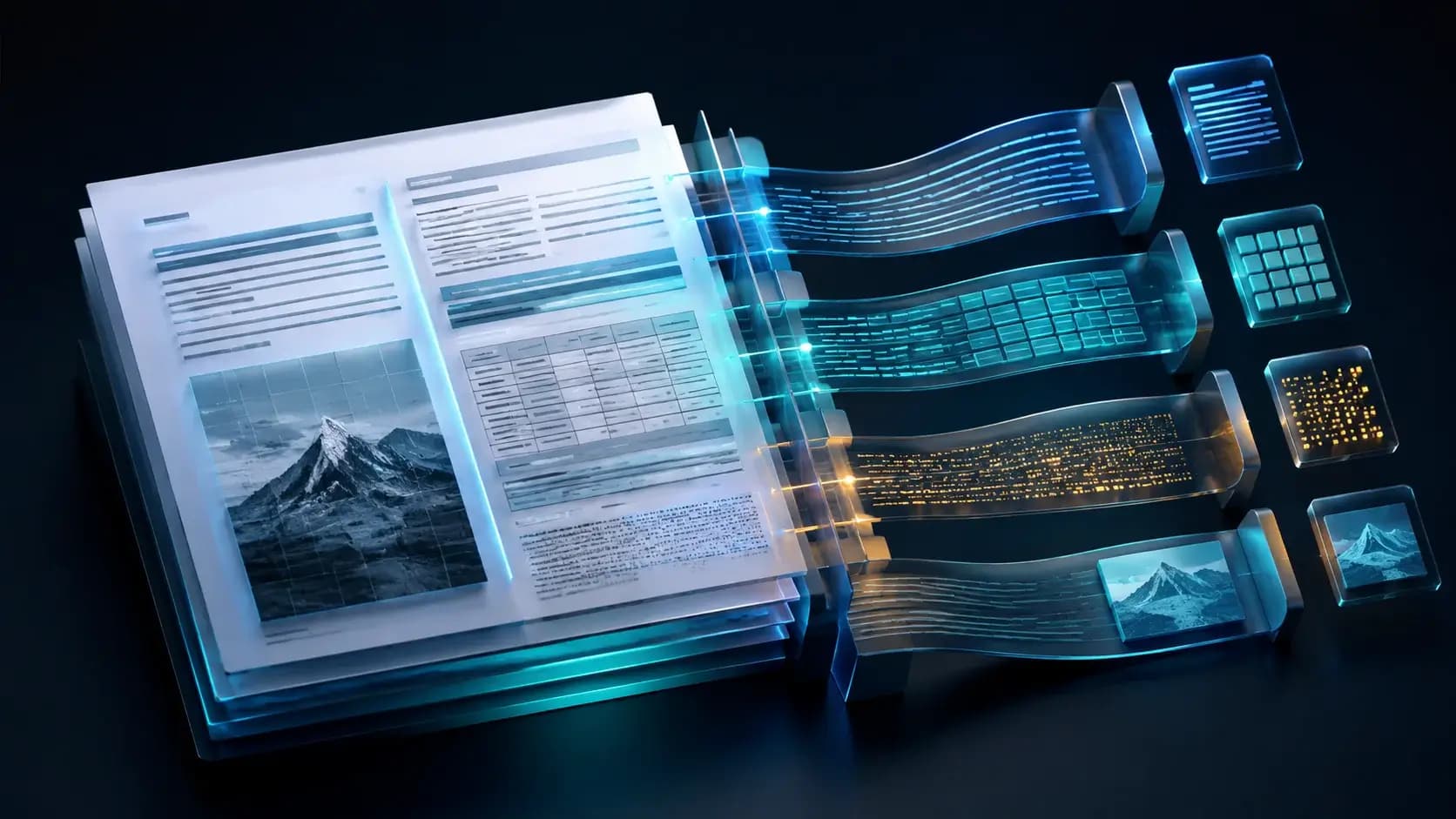
The document is loaded once and shared between detection and extraction. Content streams produce text items and rectangles; font, layout, table, and Markdown stages build the final structure. Default Rust/browser builds avoid OCR dependencies, while PDFium, ONNX Runtime, and model files are touched only when OCR is routed.
When it fits
Use it for local ingestion of papers, invoices, financial or legal PDFs. Keep the original file and page-level provenance, and route low-confidence scans to a separately governed OCR pipeline rather than assuming perfect output.
Decision guide
| Criterion | Option A | Option B |
|---|---|---|
| Best when | You need predictable behavior and easy auditing | You need adaptive optimization and have reliable telemetry |
| Main risk | May leave performance on the table | Can become difficult to explain or debug |
Implementation steps
- 1
Install the matching binding or CLI.
- 2
Run detection and native extraction.
- 3
Enable OCR for routed pages only.
- 4
Retain hashes, warnings, and source PDFs.
Copy-ready example
cargo install pdf-inspector
pdf2md document.pdf --json
detect-pdf document.pdf --analyze --json
Frequently asked questions
Does every PDF need OCR?
No. OCR is selective for scanned or image pages.
Are benchmark times portable?
No. Re-run with matching corpus, versions, hardware, and settings.
Sources
- pdf-inspector README (captured 2026-08-31)Source checked 2026-08-31
- pdf-inspector repositorySource checked 2026-08-31