
WandEnhancer
WandEnhancer Architecture: Patcher, Proxy DLL, Renderer Scripts, and LAN Panel
Trace WandEnhancer's documented architecture from the .NET patcher and Electron integrity change to renderer injection, client APIs, and the Remote Web Panel.

What you will learn
- Map WandEnhancer trust boundaries
- Trace patch and renderer effects
- Review panel protocol and cleanup fixtures
Before you start
- Basic Git and command-line usage
- Comfort reading a project README
You can explain the project, run its documented first step, and decide what to verify before adopting it.
Key takeaways
- Model patcher, proxy DLL, renderer scripts, and panel as separate trust surfaces.
- Trace file writes and the ASAR fuse change with a reversible fixture.
- Renderer code and port 3223 are privileged operations requiring least trust and explicit cleanup.
Four boundaries, not one executable
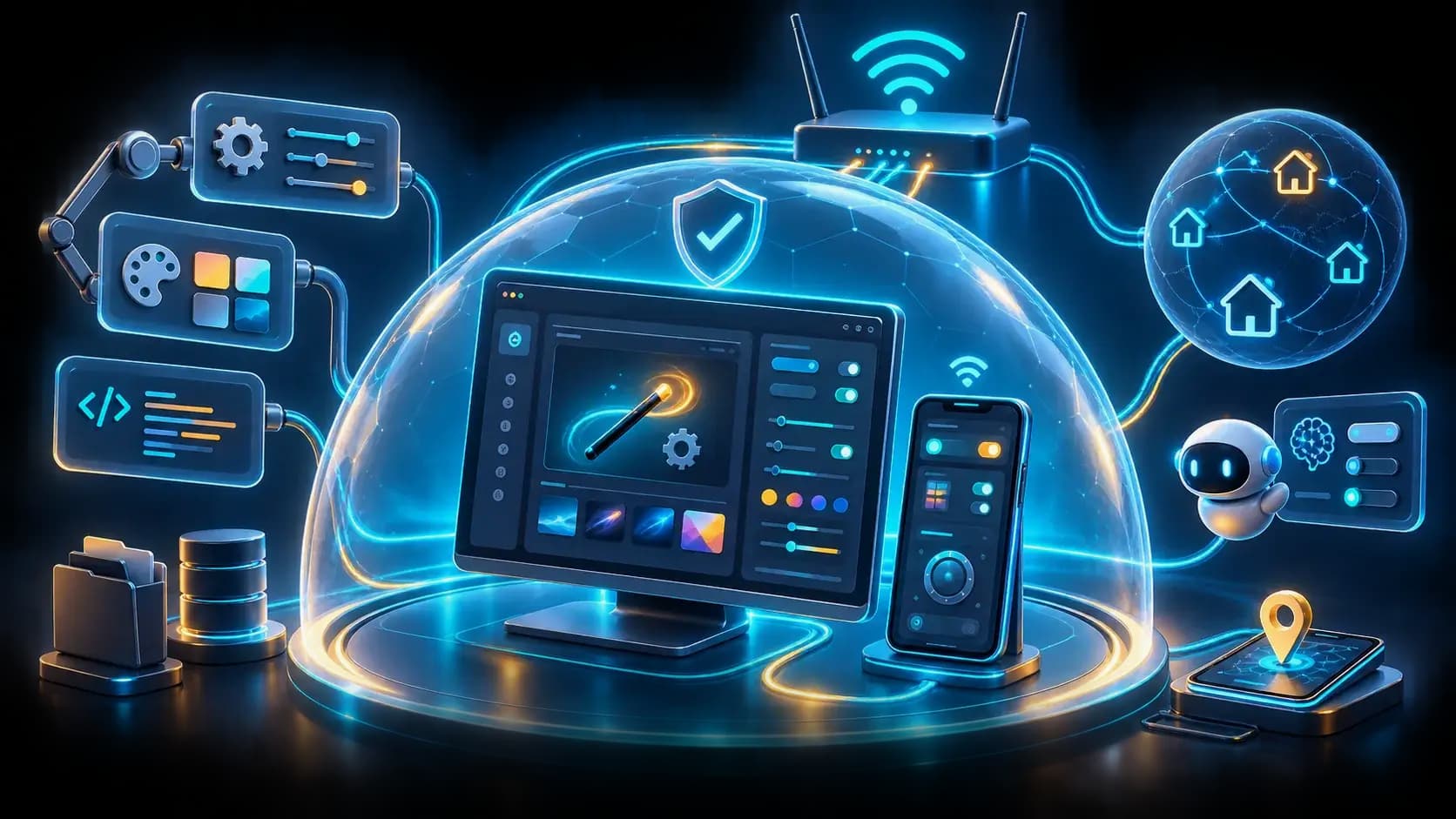
WandEnhancer is easiest to reason about as four cooperating surfaces: a .NET patcher changes the selected local Wand installation; a bundled `version.dll` proxy changes an Electron ASAR-integrity fuse byte inside Wand's own process; renderer scripts customize the client UI; and an optional Remote Web Panel exposes LAN HTTP/WebSocket control. These are distinct trust boundaries even when shipped in one artifact.
The README says the patcher does not contact an update or telemetry service, while Wand itself remains an online application. Keep those behaviors separate in a threat model and in logs: a local patch operation, a client network request, and a panel API call should never be conflated.
Follow the patch path
Start at the patch dialog and identify how the selected installation, compatibility options, and optional panel patch become file writes. Record original hashes, the ASAR fuse change, and any generated DLL or script. The key question is reversibility: can the tool restore every file and option when the client version changes or the operator uninstalls it?
Unsigned patching tools can trigger antivirus heuristics, so a warning is not proof of malware—but it is a reason to build from a controlled fork, inspect the workflow, and retain the exact artifact and source revision used.
Renderer injection and panel protocol
Custom `.js` files run in Wand's renderer with DOM access and Node `require`, and the README notes they may run more than once per launch. The `WandEnhancer` helper exposes logging, a remote URL, and an API version. Analyze this as privileged in-process code: understand lifecycle timing, guard one-time work, and avoid scripts that read or transmit secrets.
The panel uses plain HTTP on port 3223 and a WebSocket path for control on a trusted network. It does not include a pairing code; anyone who reaches the port can view the panel and control the active trainer. The protocol deliberately omits the Wand bearer token and installation-path fields, but that does not make the endpoint public-safe.
Architecture review fixtures
Use a disposable Wand installation and four fixtures: patch and restore, one guarded renderer script, panel connect/disconnect, and a blocked remote-network attempt. Capture file hashes, process tree, firewall scope, panel requests, and cleanup results while redacting user data.
A contribution-quality finding should map a symbol or workflow step to an observable effect and include a regression test. Avoid inferring undocumented internals from screenshots or a compiled executable; label hypotheses and verify them against the checked-out source and workflow.
Decision guide
| Criterion | Option A | Option B |
|---|---|---|
| Best when | You need predictable behavior and easy auditing | You need adaptive optimization and have reliable telemetry |
| Main risk | May leave performance on the table | Can become difficult to explain or debug |
Implementation steps
- 1
Map patch dialog options to file writes and generated surfaces.
- 2
Record original hashes, proxy/DLL effects, and restore behavior.
- 3
Trace renderer lifecycle and panel HTTP/WebSocket boundaries.
- 4
Run disposable fixtures for patch, script, panel, network, and cleanup.
Copy-ready example
patch dialog -> .NET file changes -> version.dll/ASAR fuse
renderer-scripts/*.js -> Wand renderer (DOM + require)
Remote Web Panel -> HTTP/WebSocket :3223 -> active trainer
Frequently asked questions
Does version.dll inject into another process?
The README says it is loaded by Wand and changes an ASAR-integrity fuse byte inside Wand's own process; verify the exact build before relying on that description.
Is the panel protected by pairing?
No pairing code is included. Restrict port 3223 to a trusted LAN or VPN and never expose it directly to the internet.
Sources
- WandEnhancer README (captured 2026-08-31)Source checked 2026-08-31
- WandEnhancer repositorySource checked 2026-08-31