
ODS
ODS Features and Quickstart: From Zero-Prereq Bootstrap to a Private AI Stack
A source-backed ODS walkthrough for local chat, dashboard, model selection, RAG, voice, workflows, and safe first-run validation.

What you will learn
- Run a staged ODS first-use validation
- Exercise local model, dashboard, CLI, and one extension
- Capture reproducible evidence and recovery steps
Before you start
- Basic Git and command-line usage
- Comfort reading a project README
You can explain the project, run its documented first step, and decide what to verify before adopting it.
Key takeaways
- Validate one local chat before enabling RAG, voice, agents, workflows, or image services.
- Use the dashboard/CLI to inspect model, health, ports, and mode transitions.
- Record a redacted run card and recovery path before storing private data.
Start with the smallest useful proof
ODS is designed to make a local AI server feel like one install, but the first run should still be staged. Pin v2.6.0 or an audited commit, verify Docker and the platform support matrix, inspect the installer trust notes, and prepare a disposable directory. The goal is to prove one local chat before enabling every optional extension.
Linux/macOS use the documented shell bootstrap; Windows uses the PowerShell archive flow with Docker Desktop and WSL2. After install, open `http://localhost:3000`, record the selected model and ports, and save the redacted validation receipt.
Exercise the feature layers
Run one chat against the bootstrap model, then wait for the full model download and compare the same prompt. Use the dashboard or CLI to inspect health, GPU status, model metadata, and logs. Next test a small document through RAG/search, then add voice, workflow, agent, or image capabilities one at a time so a failure has a clear owner.
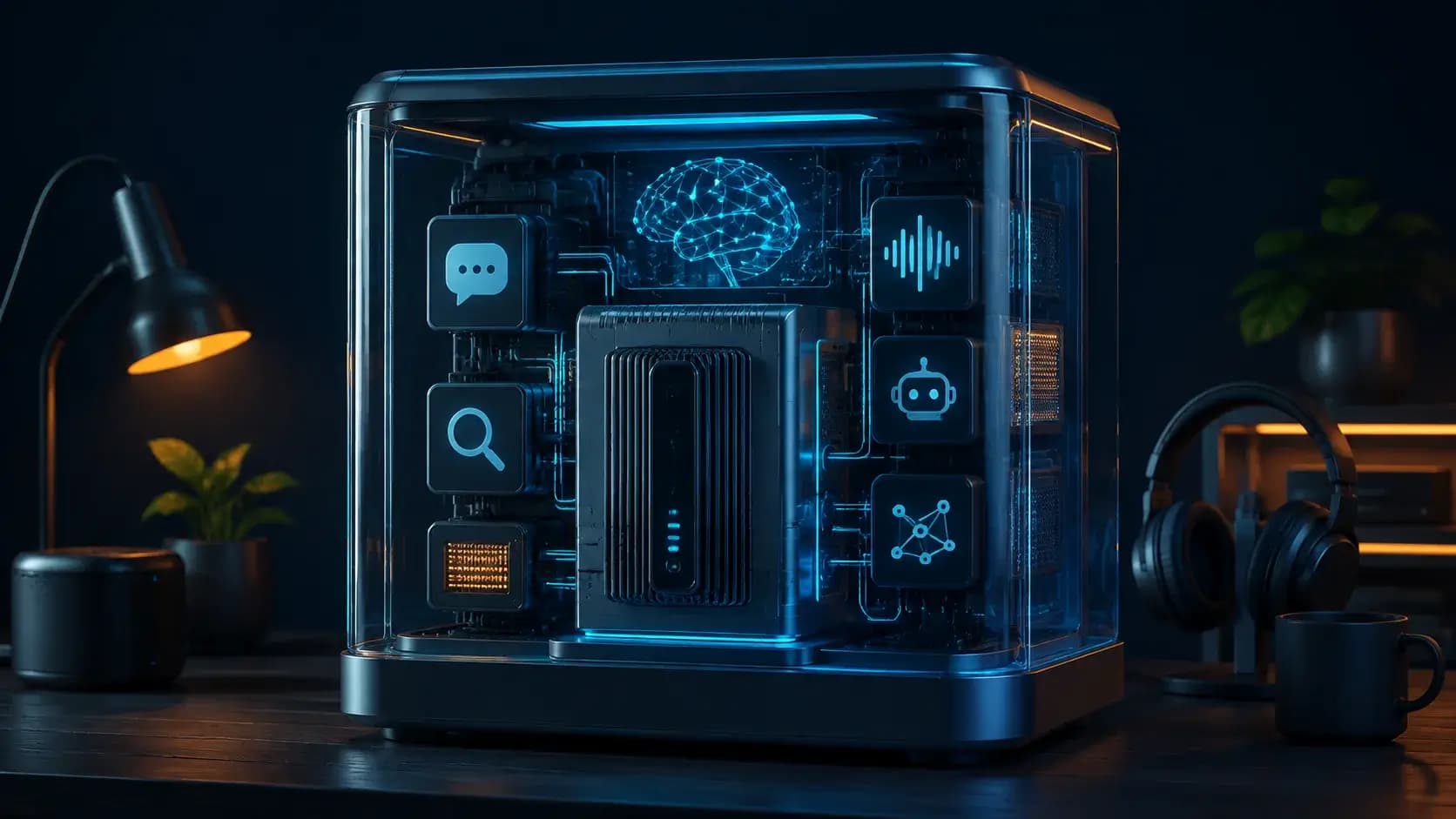
The README lists Open WebUI, llama-server, LiteLLM, embeddings, Qdrant, Whisper, Kokoro, n8n, Hermes, ComfyUI, Privacy Shield, Token Spy, and optional Langfuse. Treat each as a capability with its own endpoint, credentials, model load, storage, and retention policy rather than assuming the whole stack is equally configured.
Switch models and modes deliberately
Use `ods model current`, `ods model list`, and `ods model swap` to inspect or change the hardware-tier choice. For a machine without suitable hardware, test `ods mode cloud` or `./install.sh --cloud` as a separate privacy and spend boundary. Keep local, hybrid, and cloud benchmark rows distinct.
A port conflict can be handled through environment overrides such as `WEBUI_PORT=9090`; do not hand-edit generated compose files during a first run. Verify that a failed model load returns to the previous known-good model and that `ods preset save/load` restores intended configuration.
Capture a reader-friendly run card
A useful quickstart ends with evidence: release/commit, OS and GPU, detected tier, model/GGUF, mode, enabled services, ports, prompt fixture, latency, logs, and cleanup command. Include one screenshot or local SVG diagram only as orientation; the receipt and reproducible commands are the real source of truth.
If the stack is going to hold private documents, restrict the dashboard to a trusted network, rotate generated secrets, back up configuration and data, and rehearse uninstall/recovery. ODS removes assembly work, but it does not remove operator responsibility.
Decision guide
| Criterion | Option A | Option B |
|---|---|---|
| Best when | You need predictable behavior and easy auditing | You need adaptive optimization and have reliable telemetry |
| Main risk | May leave performance on the table | Can become difficult to explain or debug |
Implementation steps
- 1
Pin a release, inspect installer trust, and verify Docker/platform prerequisites.
- 2
Install and test localhost:3000 chat, bootstrap/full-model swap, and health status.
- 3
Enable one RAG or media capability and record its endpoint and storage behavior.
- 4
Save model/mode/port evidence, then test preset restore and cleanup.
Copy-ready example
# after a pinned install
ods status
ods model current
ods list
ods mode local
# optional capability checks
ods enable n8n
ods enable whisper
# keep the web UI on a non-conflicting port
WEBUI_PORT=9090 ./install.sh
Frequently asked questions
Do I need to enable every service to use ODS?
No. Start with local chat and add RAG, voice, agents, workflows, or images as separate capability tests.
What should I save after the first run?
Save the pinned revision, hardware tier, model/GGUF, effective ports, mode, enabled services, redacted logs, and cleanup/recovery result.
Sources
- ODS README (captured 2026-08-31)Source checked 2026-08-31
- ODS repositorySource checked 2026-08-31