
ODS
ODS Explained: A Private Local AI Server for Your Own Hardware
A source-backed ODS overview covering its local AI stack, installer paths, release pinning, and the operational boundaries of self-hosting.

What you will learn
- Map ODS installer, inference, UI, and operations layers
- Run a platform-appropriate local or cloud smoke test
- Identify release-pinning, port, GPU, and recovery risks
Before you start
- Basic Git and command-line usage
- Comfort reading a project README
You can explain the project, run its documented first step, and decide what to verify before adopting it.
Key takeaways
- ODS integrates inference, chat, dashboard, RAG, workflows, and operations for local AI.
- The supported platform and port matrix differs by Linux, Windows/WSL2, and Apple Silicon.
- Pin releases and inspect installers because convenience does not remove supply-chain and recovery work.
The short answer
ODS (Osmantic Deployment System) packages a private AI server for a PC, Mac, or Linux box. Its README describes local model inference, an Open WebUI chat surface, a control dashboard, voice and agents, workflows, RAG/search, image generation, and diagnostics. The point is integration: ODS wires several services into one installable stack instead of asking a user to hand-connect every container.
The captured README identifies v2.6.0 as the stable release and says local mode is the default, with cloud and hybrid API modes optional. That makes ODS a useful study in self-hosted platform engineering: the user experience is simple, but the underlying contract includes installers, compose overlays, GPU paths, ports, secrets, upgrades, and recovery.
What the installer actually does
On Linux and macOS the documented bootstrap is a shell installer; Windows uses a PowerShell block that downloads a source archive and runs the Windows installer. Docker must be installed and running, and Windows requires Docker Desktop with WSL2. After installation, Open WebUI is exposed on localhost:3000; the README also documents llama-server ports and environment-variable overrides for conflicts.
For a reproducible evaluation, inspect the installer before executing it, pin a tagged release or audited commit, and save the validation receipt. The project explicitly says the hosted endpoint proxies main and that stable fixes move through release/2.6.x. This is a reminder that a one-line installer is a convenience boundary, not a substitute for change control or a software bill of materials.
A mental model for the stack
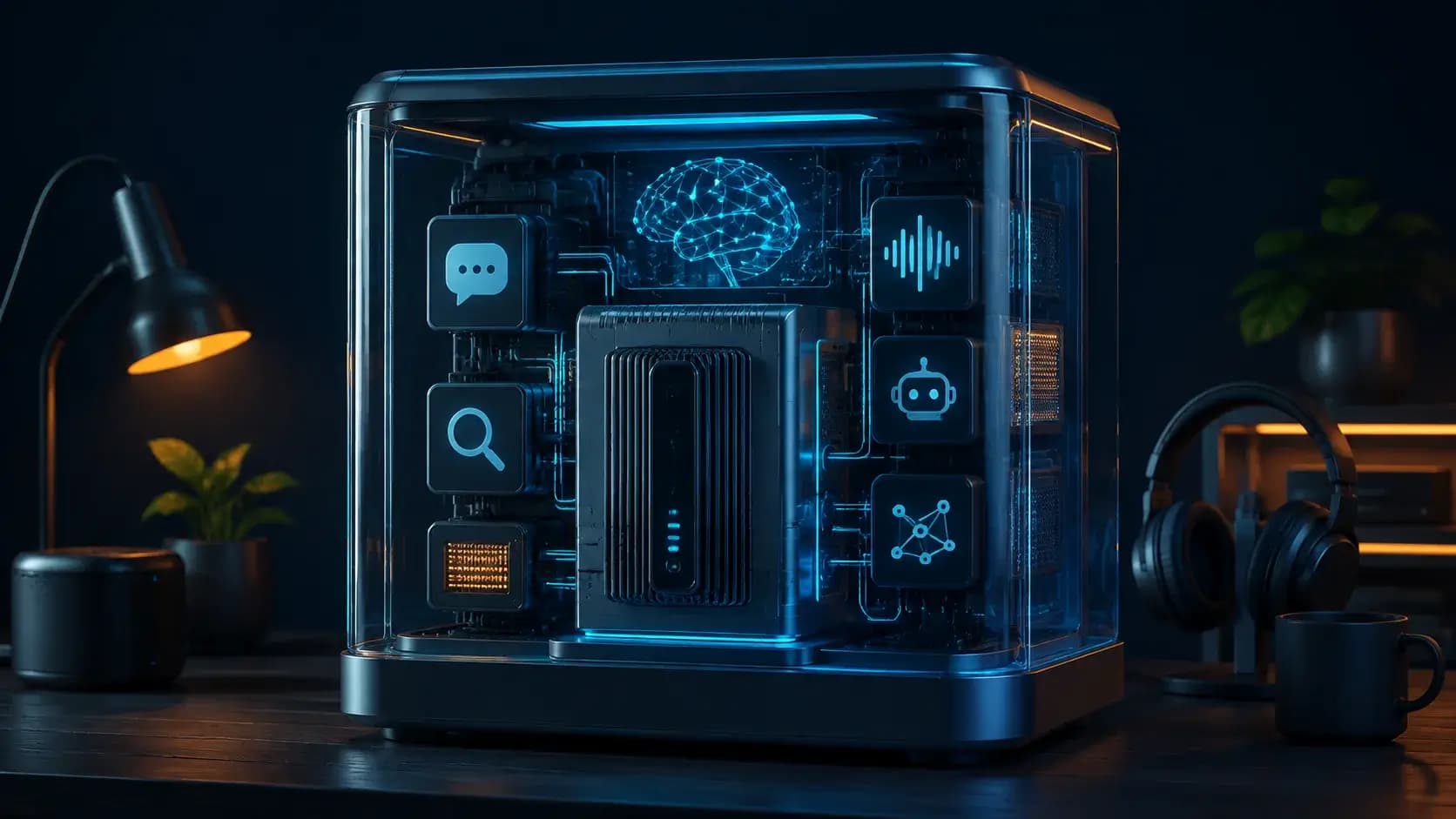
Think of ODS as four layers: a platform installer and lifecycle commands; an inference layer such as llama-server or a cloud API; user-facing services such as Open WebUI and the dashboard; and optional capability services for voice, agents, workflows, retrieval, and image generation. Compose overlays and environment variables connect those layers across Linux, Windows, and Apple Silicon paths.
The architecture is attractive for homelabs because a single control plane can report GPU status and service health. It also concentrates failure modes: a Docker update, model download, port collision, or GPU passthrough problem can affect several features at once. When troubleshooting, isolate the layer first, then capture container logs, effective environment, model metadata, and the exact ODS revision.
When ODS is a good fit
Use ODS when privacy, local latency, and ownership of prompts matter more than the smallest possible footprint. It suits a personal workstation, an internal lab, or a teaching environment where people need chat, RAG, and automation without assembling a dozen unrelated repositories. Cloud mode is a pragmatic fallback when hardware cannot run the desired model.
ODS is less suitable when you need a tiny single-process service, a managed compliance boundary, or a guaranteed production SLA from an unattended script. Keep credentials server-side, restrict the dashboard to a trusted network, back up configuration and model manifests, and test uninstall/recovery before treating the appliance as critical infrastructure.
Decision guide
| Criterion | Option A | Option B |
|---|---|---|
| Best when | You need predictable behavior and easy auditing | You need adaptive optimization and have reliable telemetry |
| Main risk | May leave performance on the table | Can become difficult to explain or debug |
Implementation steps
- 1
Read the installer trust and support-matrix documents for your platform.
- 2
Pin ODS v2.6.0 or an audited commit and verify Docker/GPU prerequisites.
- 3
Install, open localhost:3000, and run one small local-model chat or RAG test.
- 4
Record ports, model revision, logs, backups, and a tested recovery/uninstall path.
Copy-ready example
# Linux/macOS (inspect and pin the installer before running in production)
curl -fsSL https://install.osmantic.com/ods.sh | bash
# cloud fallback from a checked-out release
./install.sh --cloud
# avoid a port collision
WEBUI_PORT=9090 ./install.sh
Frequently asked questions
Does ODS require a cloud provider?
No. The README describes local inference as the default; cloud and hybrid API modes are optional for machines without suitable hardware.
Which port should I open?
Open WebUI is documented on localhost:3000. Inference ports vary by platform and environment, so use the release's .env.example rather than assuming one universal endpoint.
Sources
- ODS README (captured 2026-08-31)Source checked 2026-08-31
- ODS repositorySource checked 2026-08-31