
microduck_rl
microduck_rl Features and Quickstart: Run a Bounded Robot-RL Episode
Start with a pinned mjlab environment, inspect observations and rewards, and save a reproducible rollout.
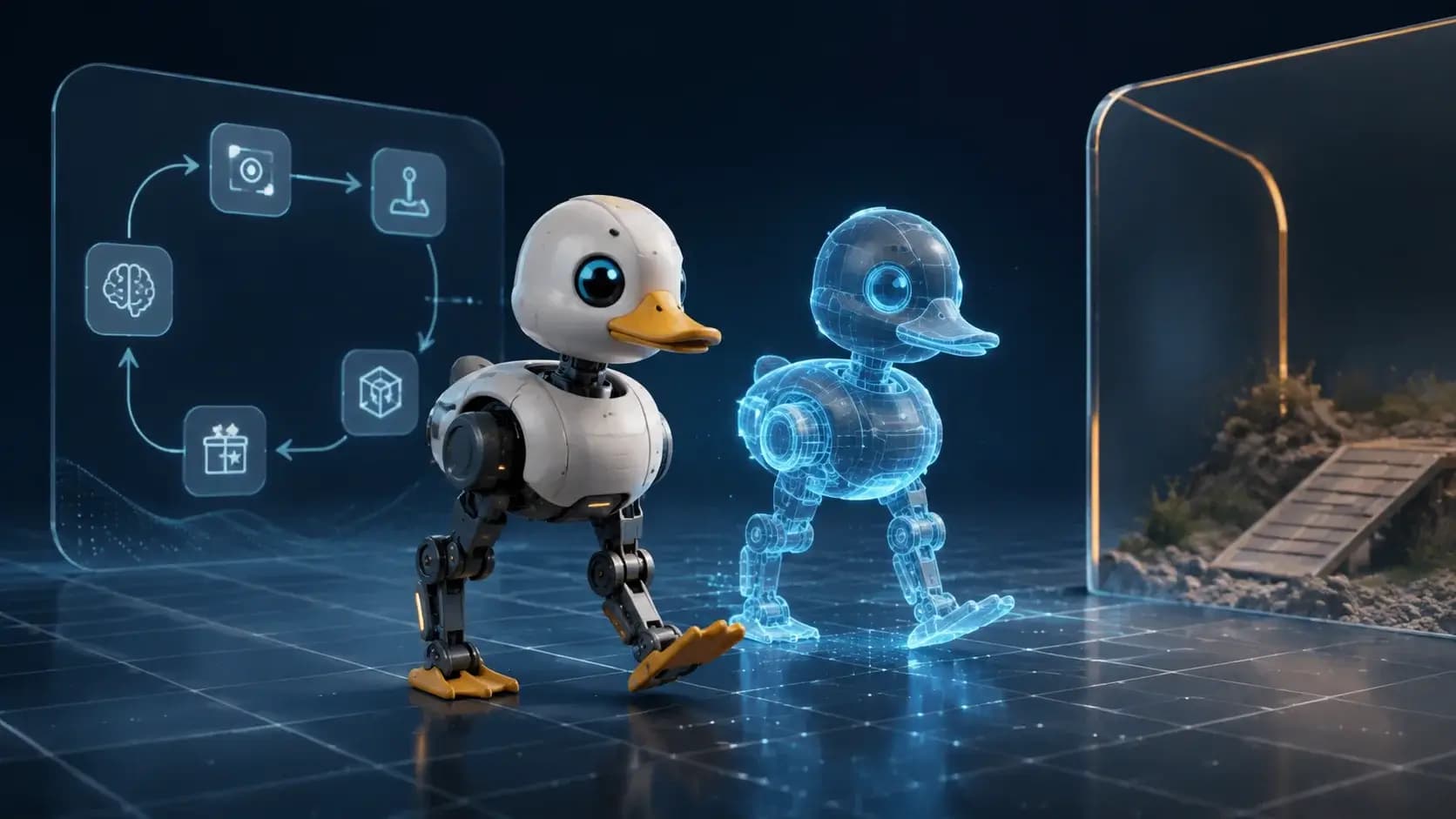

What you will learn
- Map environment, simulator, and runner
- Run a reproducible simulation
- Identify sim-to-real gates
Before you start
- Basic Git and command-line usage
- Comfort reading a project README
You can explain the project, run its documented first step, and decide what to verify before adopting it.
Key takeaways
- A small episode reveals the environment contract.
- Reward and termination must be visible.
- Simulation scores are not hardware validation.
Pin the experiment
Fix repository revision, simulator, CUDA/PyTorch stack, seed, environment count, rollout length, and checkpoint path. Begin with the smallest documented environment.
Use the pinned source evidence, record versions and assumptions, and ask a qualified reviewer to validate the result before adopting it.
Inspect one episode
Before training, print observation/action shapes, reward terms, termination causes, and contact or sensor telemetry. Save a video or trajectory so a score has visible context.
Scale deliberately
Increase parallel environments and rollout length only after a baseline is reproducible. Keep simulation success separate from any claim about physical-robot safety.
Use the pinned source evidence, record versions and assumptions, and ask a qualified reviewer to validate the result before adopting it.
Decision guide
| Criterion | Option A | Option B |
|---|---|---|
| Best when | You need predictable behavior and easy auditing | You need adaptive optimization and have reliable telemetry |
| Main risk | May leave performance on the table | Can become difficult to explain or debug |
Implementation steps
- 1
Pin code, simulator, seed, and config.
- 2
Run one evaluation episode.
- 3
Inspect shapes, rewards, and telemetry.
- 4
Scale parallelism after parity.
Copy-ready example
git clone https://github.com/pollen-robotics/microduck_rl.git
cd microduck_rl
# follow the repository's pinned mjlab/PyTorch setup
# run the smallest environment and save a rollout
Frequently asked questions
Can I start with hardware?
No. Begin in simulation and complete qualified sim-to-real and operator checks before hardware.
What should a bug report include?
Revision, seed, simulator stack, config, checkpoint, telemetry, and rollout artifact.
Sources
- microduck_rl repositorySource checked 2026-08-31