
WandEnhancer
WandEnhancer 对比与选型:何时值得使用本地客户端补丁
比较原生设置、WandEnhancer、独立伴随工具和第三方构件的控制、信任、维护与回滚。
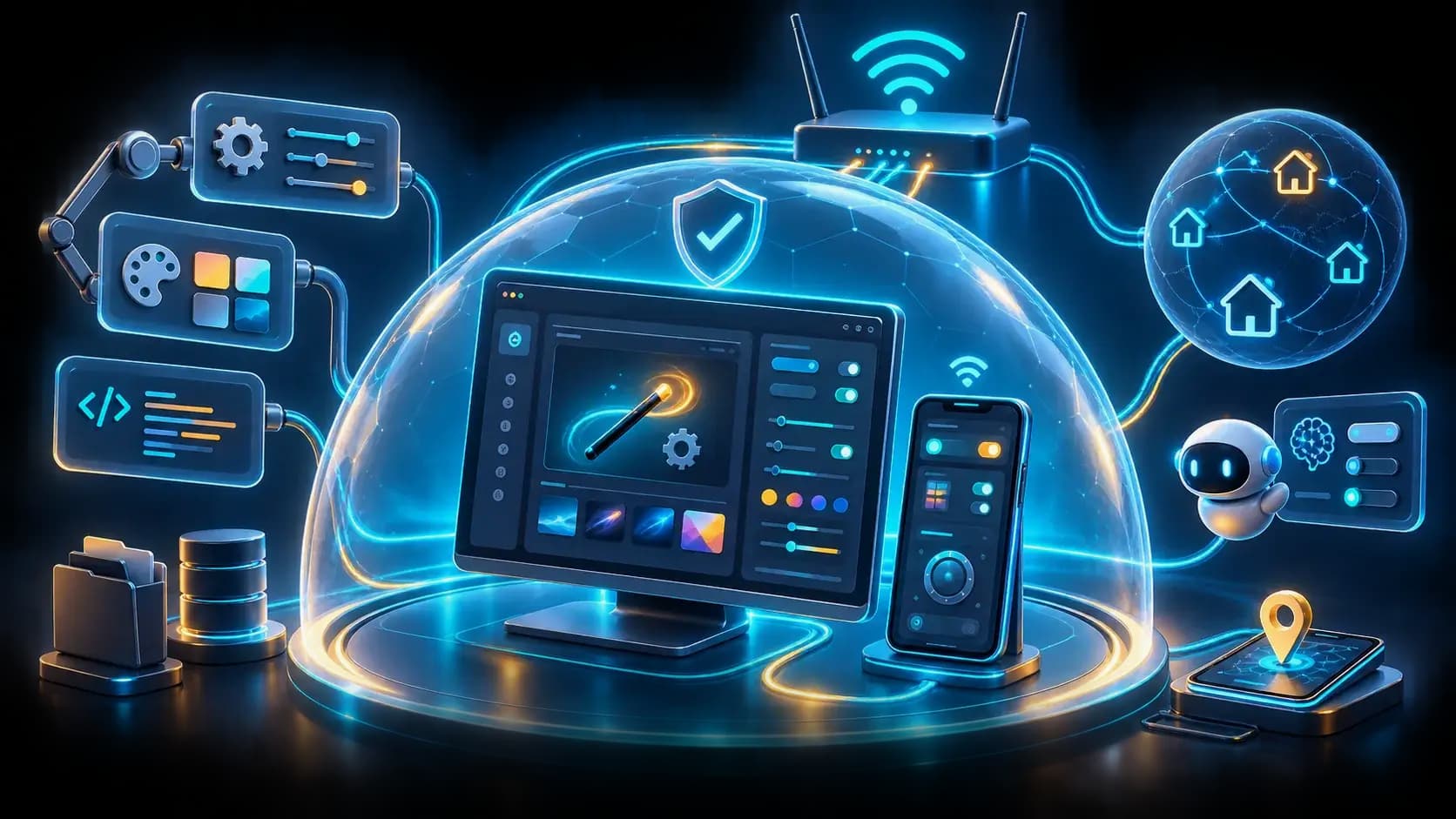

你将学会
- Compare desktop customization trust models
- Design a compatibility and rollback pilot
- Select a path based on integration need and ownership
开始前需要
- Basic Git and command-line usage
- Comfort reading a project README
You can explain the project, run its documented first step, and decide what to verify before adopting it.
先看结论
- Compare trust and rollback before convenience.
- Native settings or isolated tools fit when deep integration is unnecessary.
- WandEnhancer requires controlled builds, compatibility tests, script review, and LAN restriction.
Compare trust models first
选型先比较来源与回滚:原生设置维护成本最低,独立工具边界更清晰,WandEnhancer 适合确实需要深度本地互操作、渲染器定制或可信 LAN 控制且能自建构件、审计脚本和维护备份的场景;项目明确不发布官方预编译文件,第三方下载不应进入信任链。
Use the same criteria for every path: source and artifact provenance, client-version compatibility, file and process privileges, network exposure, script extensibility, maintenance effort, and clean rollback. Do not choose by feature count alone.
A practical decision matrix
Choose native settings when they satisfy the need; they usually carry the lowest maintenance and compatibility burden. Choose WandEnhancer when local interoperability, renderer customization, or trusted-LAN control is necessary and the operator can build from a reviewed fork, test on a backup, and own every injected script.
Choose a separate companion tool when isolation and stable public interfaces matter more than deep UI integration. Avoid unofficial executable bundles or tutorial downloads: the README's malware warning makes artifact provenance a non-negotiable gate, not an optional confidence score.
Pilot and migration gates
Run candidates on a disposable client with one bounded task. Measure client compatibility, patch or setup time, panel/network exposure, script privileges, startup overhead, support effort, and restore completeness. Require the same functionality and user workflow before comparing latency or convenience.
Adopt only when a reviewer can map every modified file, script, process, port, and outbound dependency to an owner. Preserve the clean installation and run both paths through at least one client update before changing a shared machine.
Decision summary
WandEnhancer is appropriate for users who explicitly need deep local-client customization and accept the operational responsibility of source builds, patch testing, script review, LAN restriction, and rollback. It is not the default choice when native configuration or an isolated tool meets the same outcome.
如何选择
| 比较维度 | 方案 A | 方案 B |
|---|---|---|
| Best when | You need predictable behavior and easy auditing | You need adaptive optimization and have reliable telemetry |
| Main risk | May leave performance on the table | Can become difficult to explain or debug |
实施步骤
- 1
Define the exact client workflow and required integration depth.
- 2
Compare provenance, privileges, network, compatibility, maintenance, and rollback.
- 3
Pilot one bounded task on a disposable backed-up client.
- 4
Adopt only with an owned inventory of files, scripts, processes, ports, and dependencies.
可复制示例
selection:
  need: deep_local_customization
  candidates: [native_settings, wand_enhancer, companion_tool]
  gates: [provenance, compatibility, least_privilege, trusted_network, restore]
  unofficial_binary: reject
常见问题
Should WandEnhancer be used when native settings are enough?
Usually no additional patch surface is needed. Use a local patch only when the required outcome cannot be met by the supported client path.
Can convenience justify a third-party executable?
No. The repository does not publish official prebuilt binaries and warns about malware distributed through fake downloads.
资料来源
- WandEnhancer README (captured 2026-08-31)来源核查 2026-08-31
- WandEnhancer repository来源核查 2026-08-31