
ODS
ODS 功能与快速上手:从零前置引导到私有 AI 服务栈
分阶段验证本地聊天、Dashboard、模型选择、RAG、语音、工作流和首次运行证据。

你将学会
- Run a staged ODS first-use validation
- Exercise local model, dashboard, CLI, and one extension
- Capture reproducible evidence and recovery steps
开始前需要
- Basic Git and command-line usage
- Comfort reading a project README
You can explain the project, run its documented first step, and decide what to verify before adopting it.
先看结论
- Validate one local chat before enabling RAG, voice, agents, workflows, or image services.
- Use the dashboard/CLI to inspect model, health, ports, and mode transitions.
- Record a redacted run card and recovery path before storing private data.
Start with the smallest useful proof
先固定版本并验证一个本地聊天,再逐个启用 RAG、语音、代理、工作流或图像能力。通过 Dashboard/CLI 记录硬件 tier、模型、端口、健康状态与模式切换,最后保存脱敏运行卡和恢复路径。
Linux/macOS use the documented shell bootstrap; Windows uses the PowerShell archive flow with Docker Desktop and WSL2. After install, open `http://localhost:3000`, record the selected model and ports, and save the redacted validation receipt.
Exercise the feature layers
Run one chat against the bootstrap model, then wait for the full model download and compare the same prompt. Use the dashboard or CLI to inspect health, GPU status, model metadata, and logs. Next test a small document through RAG/search, then add voice, workflow, agent, or image capabilities one at a time so a failure has a clear owner.
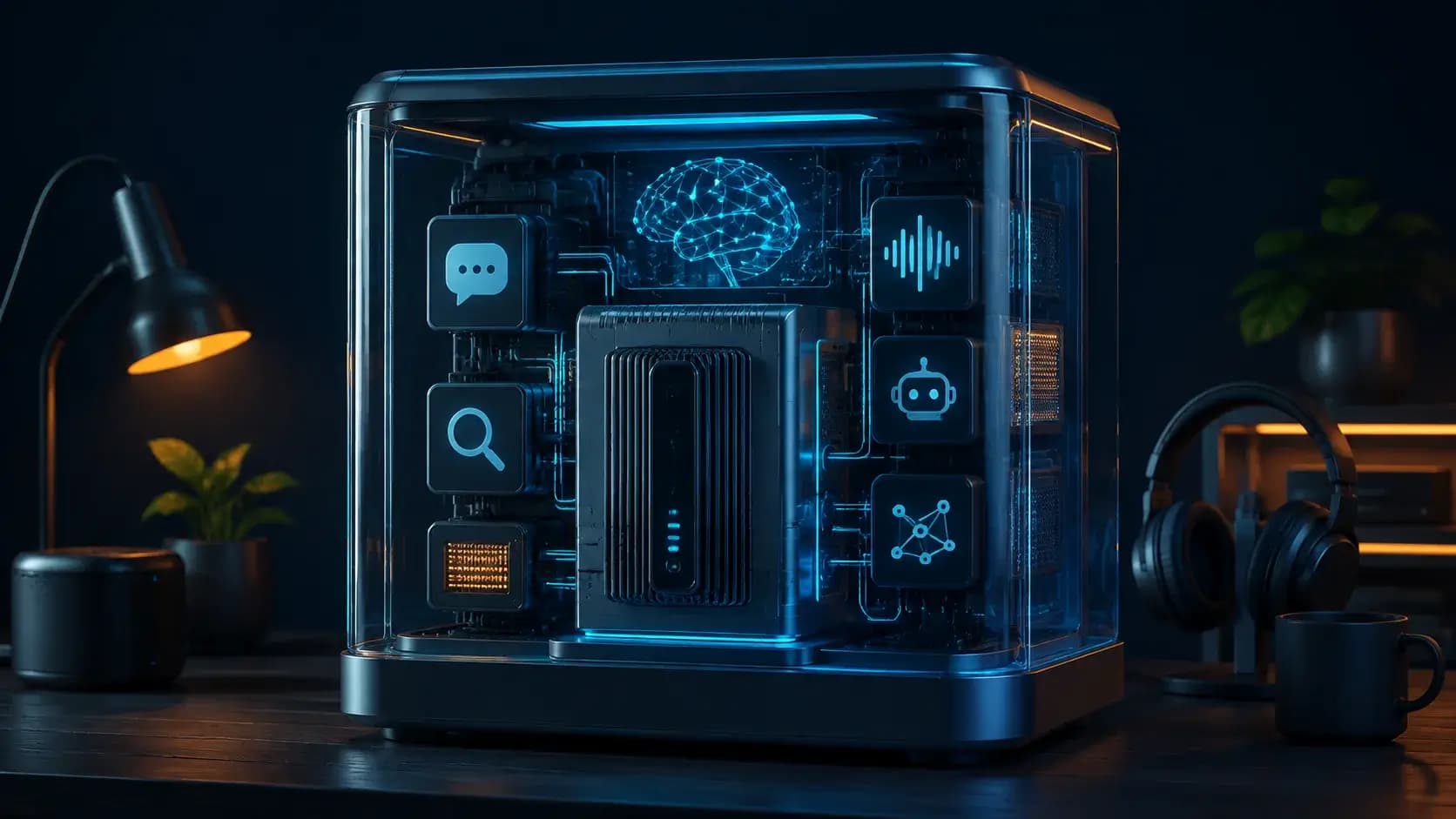
The README lists Open WebUI, llama-server, LiteLLM, embeddings, Qdrant, Whisper, Kokoro, n8n, Hermes, ComfyUI, Privacy Shield, Token Spy, and optional Langfuse. Treat each as a capability with its own endpoint, credentials, model load, storage, and retention policy rather than assuming the whole stack is equally configured.
Switch models and modes deliberately
Use `ods model current`, `ods model list`, and `ods model swap` to inspect or change the hardware-tier choice. For a machine without suitable hardware, test `ods mode cloud` or `./install.sh --cloud` as a separate privacy and spend boundary. Keep local, hybrid, and cloud benchmark rows distinct.
A port conflict can be handled through environment overrides such as `WEBUI_PORT=9090`; do not hand-edit generated compose files during a first run. Verify that a failed model load returns to the previous known-good model and that `ods preset save/load` restores intended configuration.
Capture a reader-friendly run card
A useful quickstart ends with evidence: release/commit, OS and GPU, detected tier, model/GGUF, mode, enabled services, ports, prompt fixture, latency, logs, and cleanup command. Include one screenshot or local SVG diagram only as orientation; the receipt and reproducible commands are the real source of truth.
If the stack is going to hold private documents, restrict the dashboard to a trusted network, rotate generated secrets, back up configuration and data, and rehearse uninstall/recovery. ODS removes assembly work, but it does not remove operator responsibility.
如何选择
| 比较维度 | 方案 A | 方案 B |
|---|---|---|
| Best when | You need predictable behavior and easy auditing | You need adaptive optimization and have reliable telemetry |
| Main risk | May leave performance on the table | Can become difficult to explain or debug |
实施步骤
- 1
Pin a release, inspect installer trust, and verify Docker/platform prerequisites.
- 2
Install and test localhost:3000 chat, bootstrap/full-model swap, and health status.
- 3
Enable one RAG or media capability and record its endpoint and storage behavior.
- 4
Save model/mode/port evidence, then test preset restore and cleanup.
可复制示例
# after a pinned install
ods status
ods model current
ods list
ods mode local
# optional capability checks
ods enable n8n
ods enable whisper
# keep the web UI on a non-conflicting port
WEBUI_PORT=9090 ./install.sh
常见问题
Do I need to enable every service to use ODS?
No. Start with local chat and add RAG, voice, agents, workflows, or images as separate capability tests.
What should I save after the first run?
Save the pinned revision, hardware tier, model/GGUF, effective ports, mode, enabled services, redacted logs, and cleanup/recovery result.
资料来源
- ODS README (captured 2026-08-31)来源核查 2026-08-31
- ODS repository来源核查 2026-08-31